

To prevent the need to revisit and recapture sections of the network, users of Cordel's hardware are encouraged to validate captured data at the conclusion of each day. This can be done quickly and easily from onboard the capture vehicle, using Cordel Cloud Sync.
-
Open the Cordel Cloud Sync application.
-
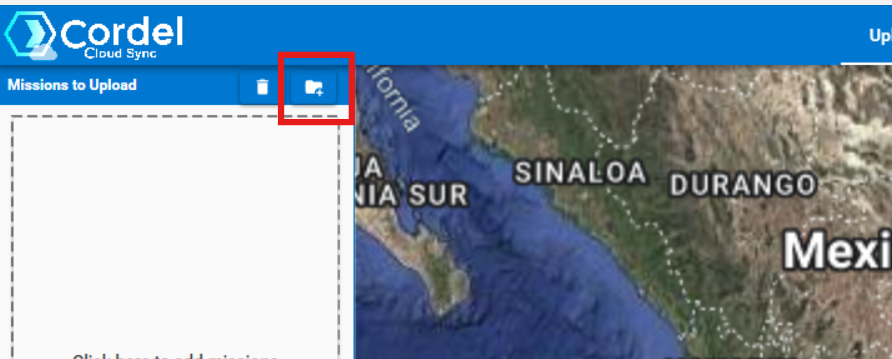
Click the 'Select Directory' icon above the file list
-
Select all missions inside today's folder and click upload
-
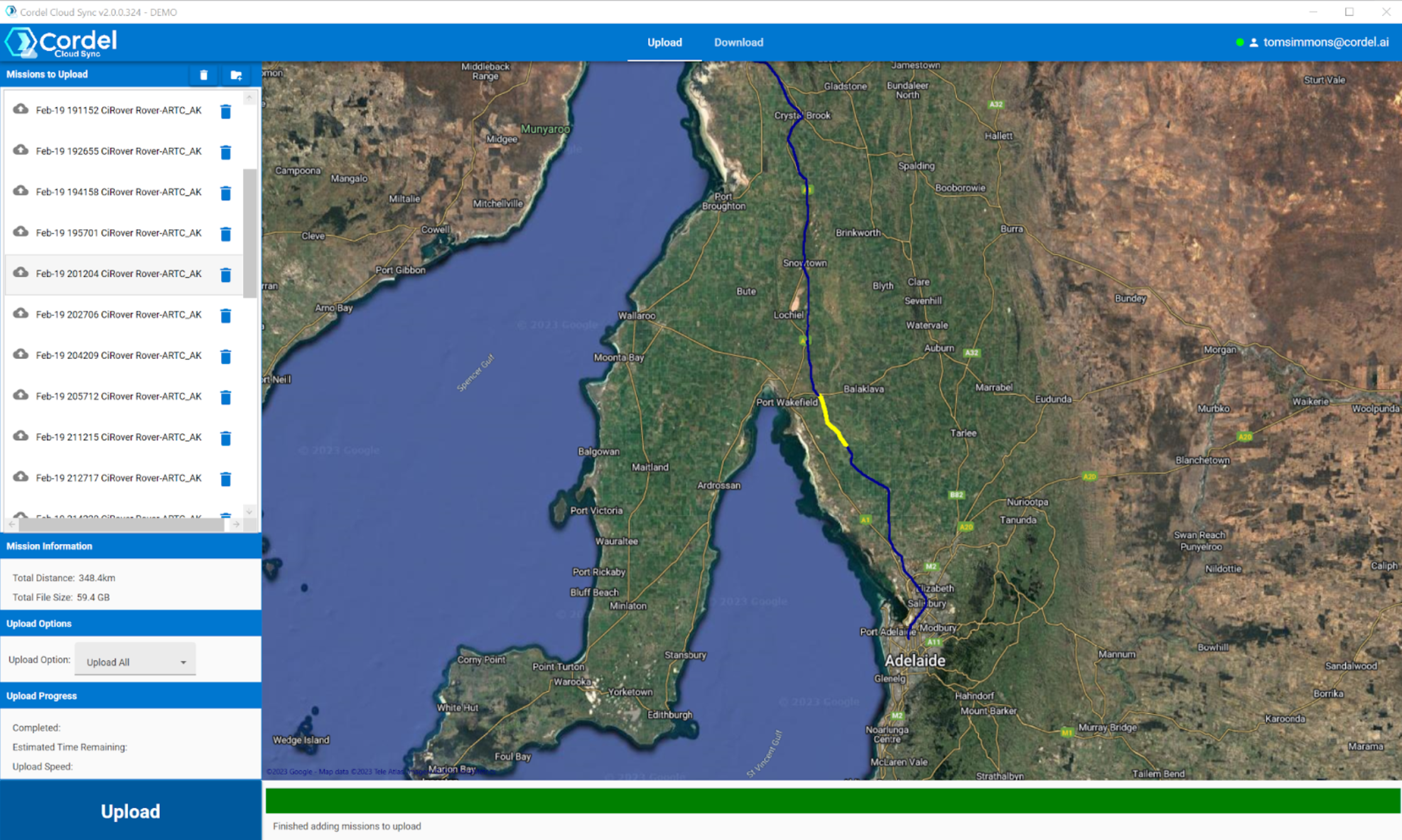
Check the map has a continuous blue line, indicating data has been successfully captured, continuously. An example is shown below:
What if data has not been captured successfully?
-
Re-capture any missing sections