

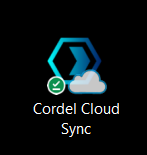
Cloud Sync is locally installed the Host Machine and/or a company laptop. To access the software, find the Cloud Sync icon and double click it:
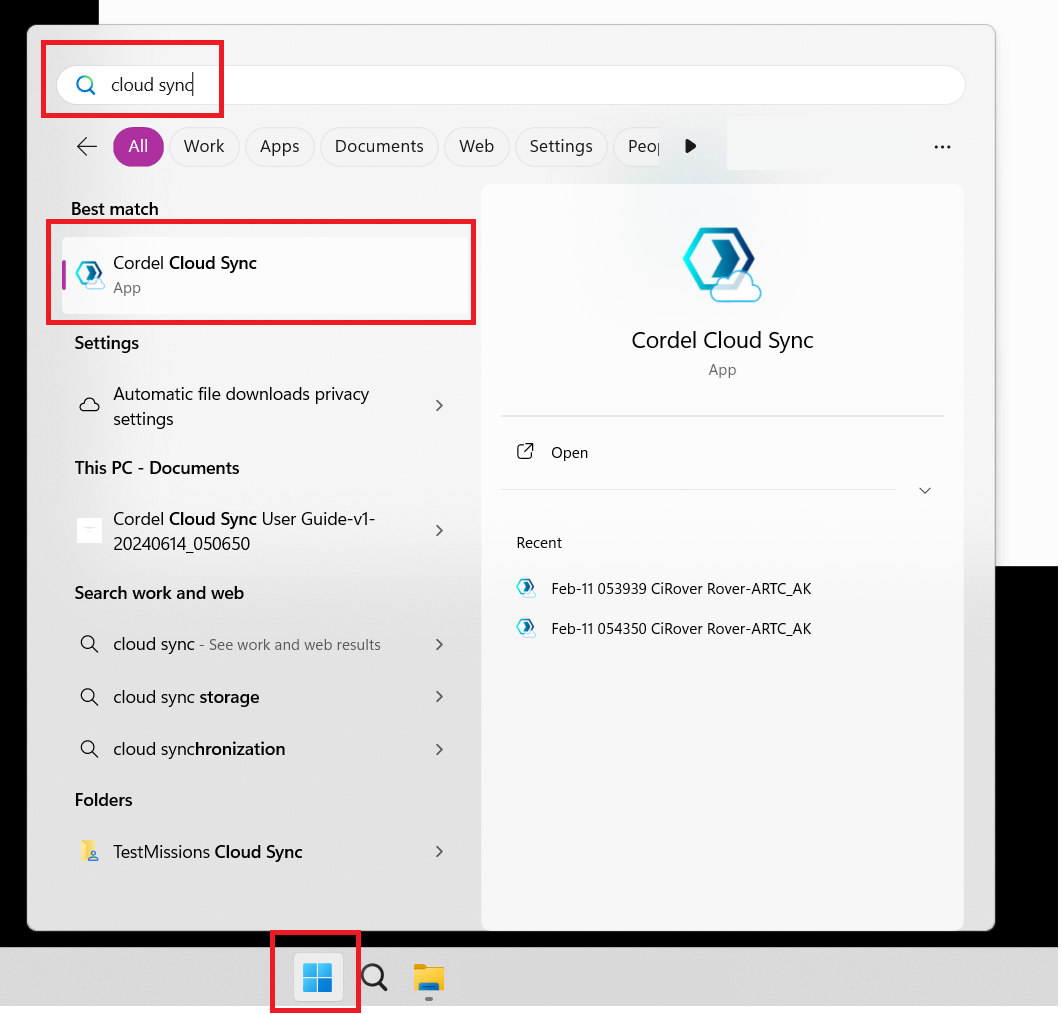
If you do not have a shortcut icon, go to the Windows icon and type 'Cloud Sync'
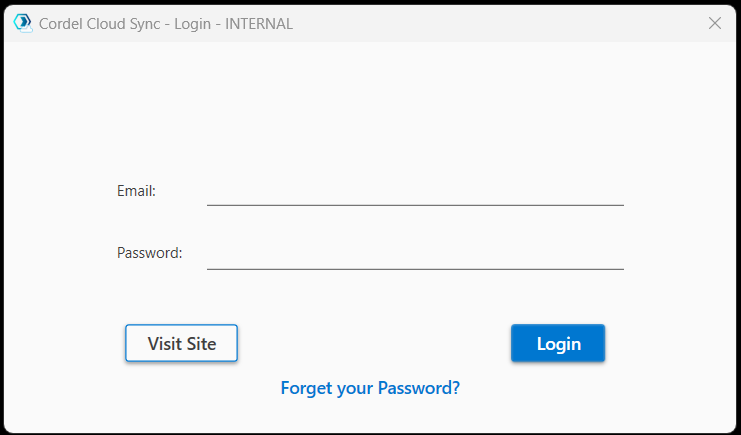
Then enter your login details and click 'Login'
Haven't downloaded Cloud Sync yet?
This article guides users through the process of downloading Cloud Sync.