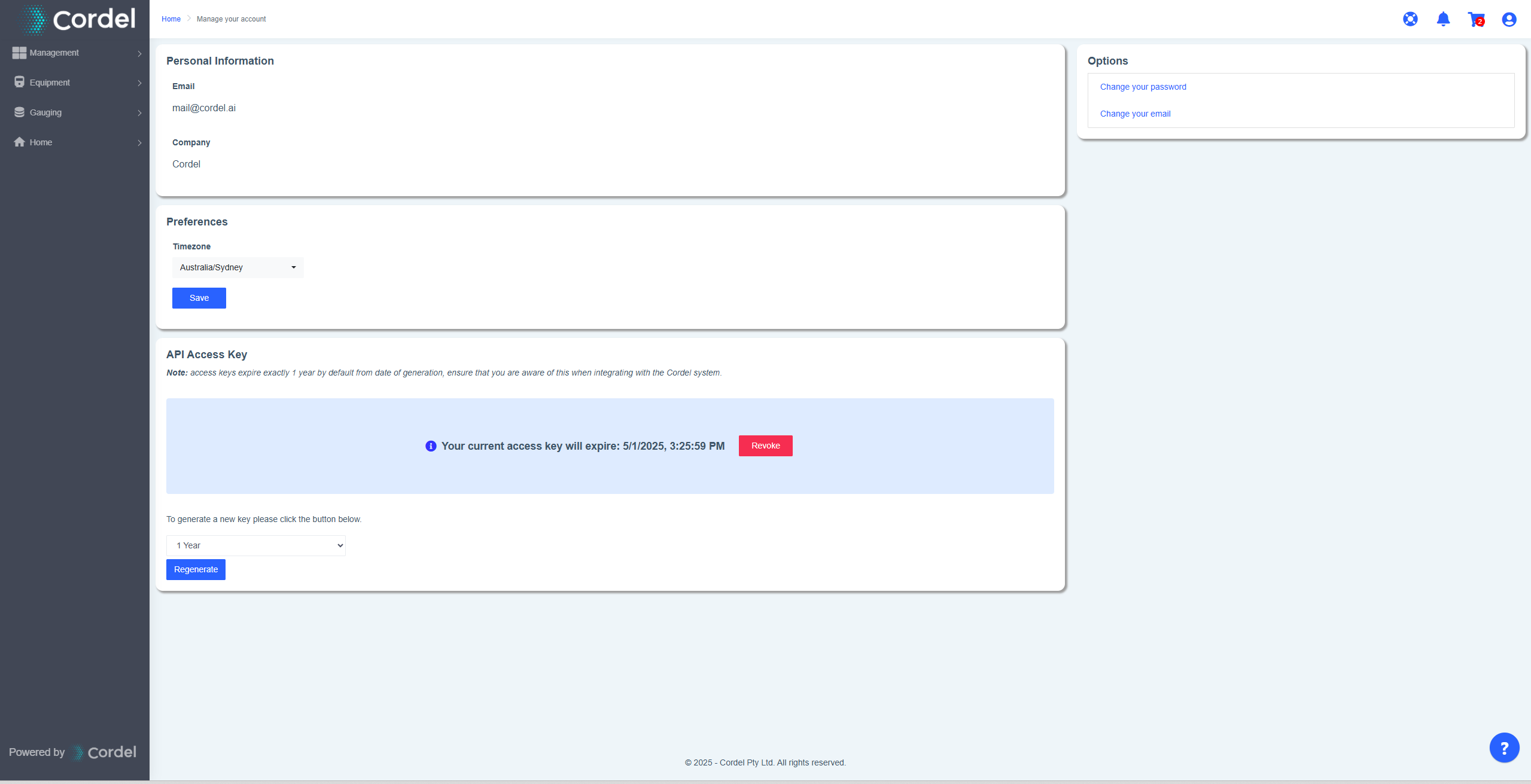
Cordel Connect allows users to manage a range of personal preferences and settings through the account management icon.
This page has four separate sections:
Personal Information: This section is not able to be edited through the application. It displays the email account and company name associated with the user.
Preferences: This allows users to manually select their timezone.
API Access Key: Users are able to generate, revoke and/or regenerate API access keys, selecting an expiry period of 1, 2, 3 or 5 years, or an indefinite expiry.
API access key management is only available to users with certain permissions and/or in certain environments. This functionality may not be available in your instance of Cordel Connect.
Options: This section allows users to change their password, or the email associated with their account.