

The shortcut menu is located in the top right section of Cordel Connect.
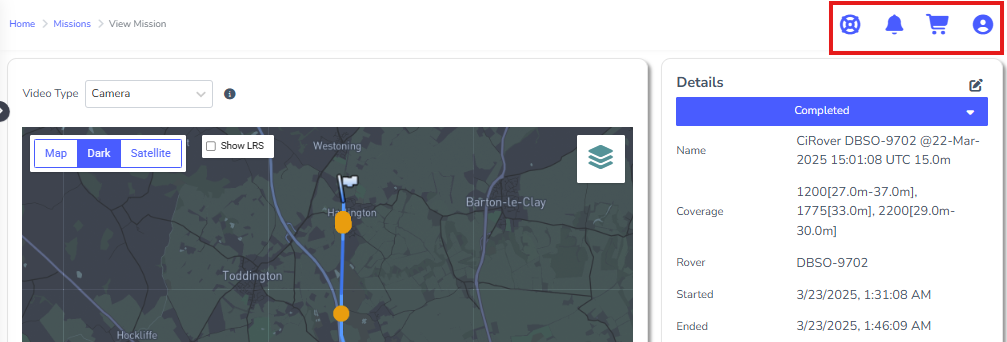
It has four icons, shown below:

The shortcut menu provides access to:
-
🛟 The Cordel Help Centre - where users can request help, new features, or report issues.
-
🔔 Notifications - where users are alerted to important information and system messages.
-
🛒 Your Cart - where users can request data to be processed.
-
👤 Your Account Management - where users can make changes to their personal information, change their password or logout. This is also where administrators can access admin functions.