

Once you have access to Cordel Connect, you can login to the system.
Don’t have access yet? Visit How To Gain Access to Cordel Connect for the First Time.
-
Navigate to your Cordel Connect instance using the Cordel Connect URL.
(this can be found in your invitation email)
Tip: If you are unsure of your Cordel Connect URL, open the invitation email and click ‘Confirm Email’. This button will automatically open a web browser page with your Cordel Connect URL.

Tip: Save your Cordel Connect URL as a favourite for easy access later.
-
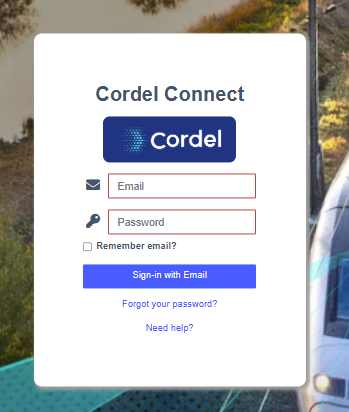
Enter your email and the password you created when you created your Cordel Connect account
-
Click the ‘Sign-in with Email' button
Tip: To save time logging in in the future, you can tick the ‘Remember email’ checkbox - if this is in line with your company security policy.