If you have lost or forgotten your password, follow the steps below to have a password reset link sent to your email address.
1. Navigate to your Cordel Connect URL (this can be found in your invitation email)
2. Click the 'Forgot your password' hyperlink, located below the 'Login' button
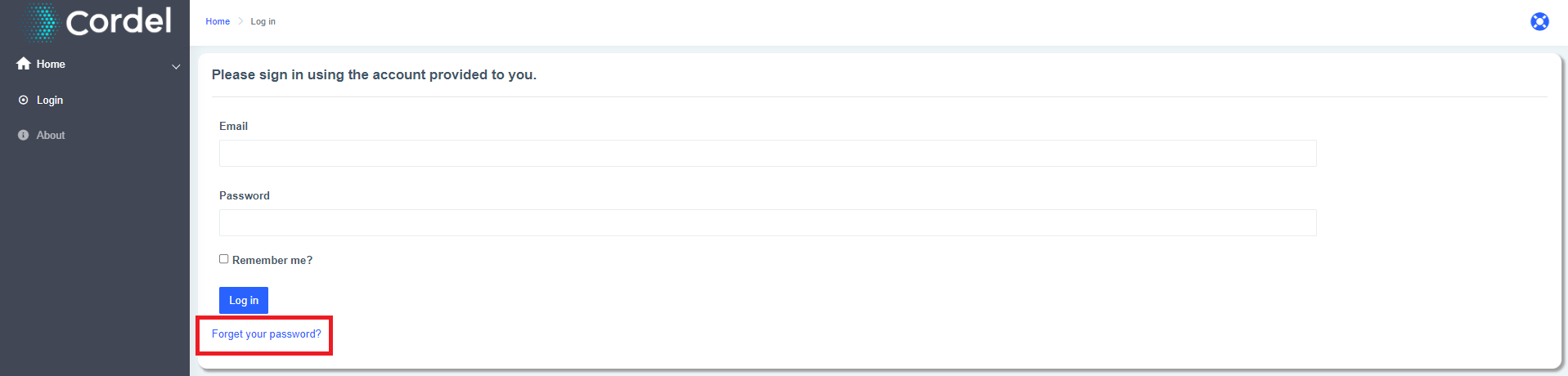
3. Enter your email

4. Click 'Email Link'

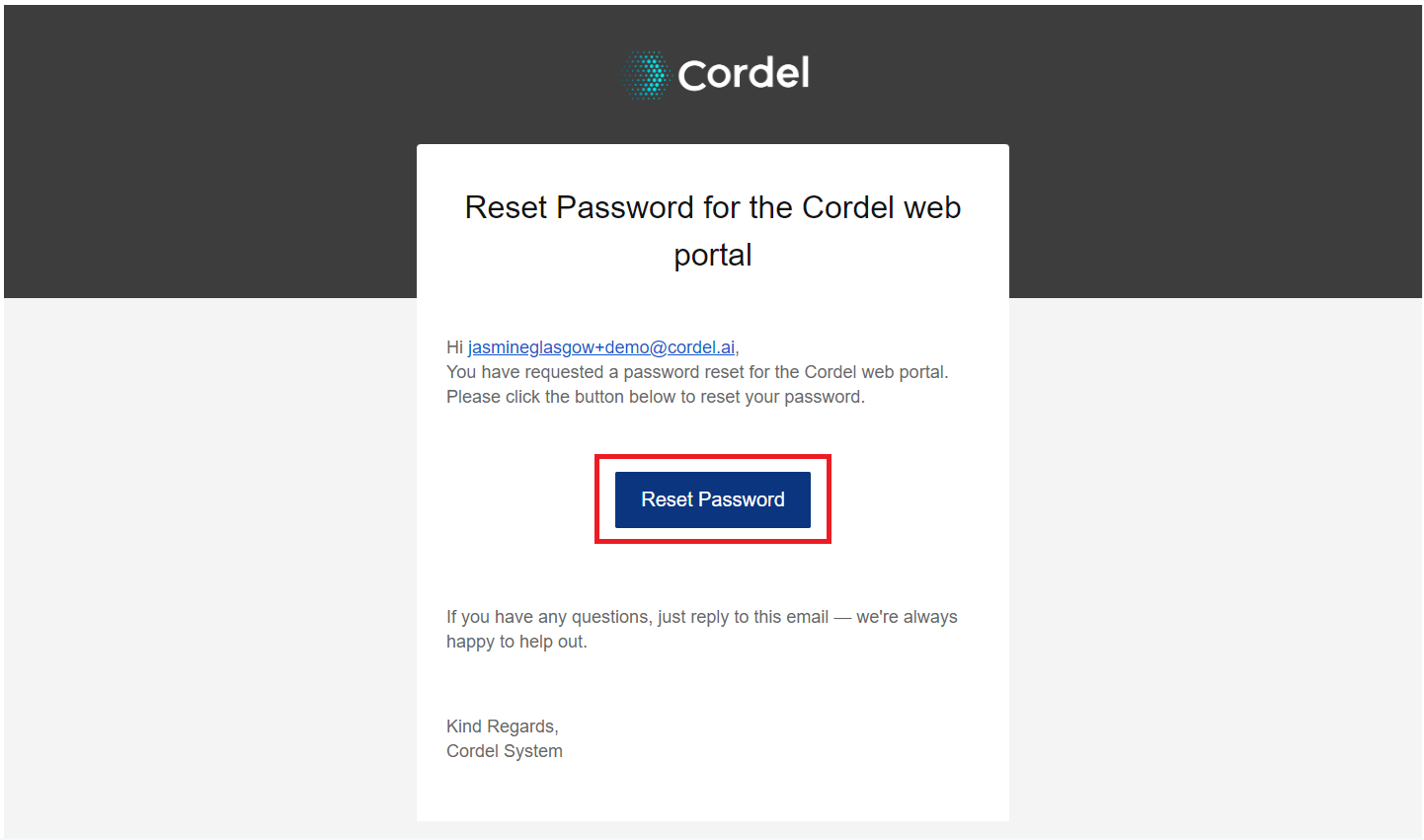
5. Click the 'Reset Password' button in the email
The reset password email will be from 'System' <system@cordel.ai>
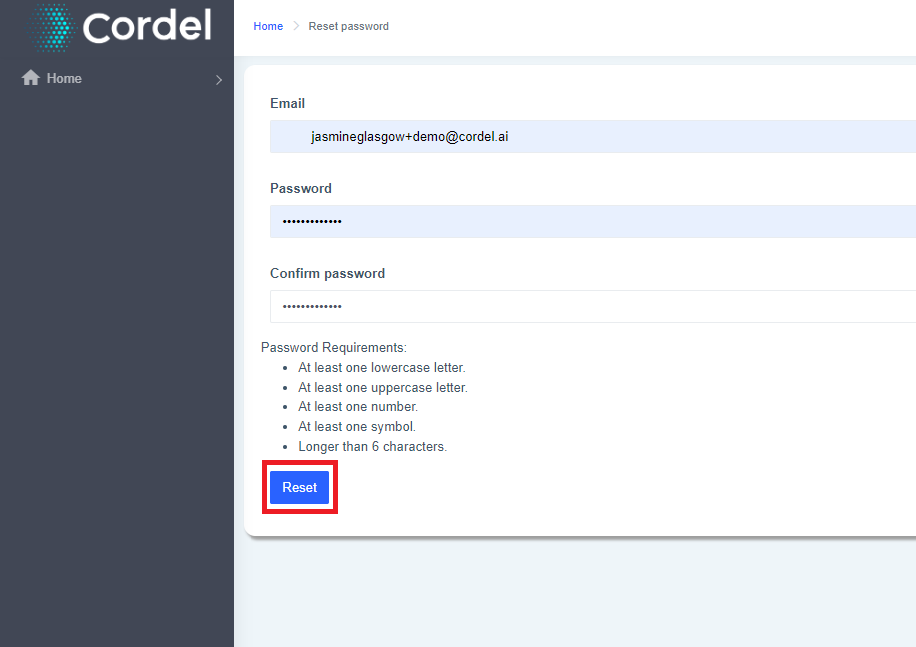
6. Create a new password
Password Requirements:
-
At least one lowercase letter
-
At least one uppercase letter
-
At least one number
-
At least one symbol
-
Longer than 6 characters
Enter your email address, a new password and confirm your new password
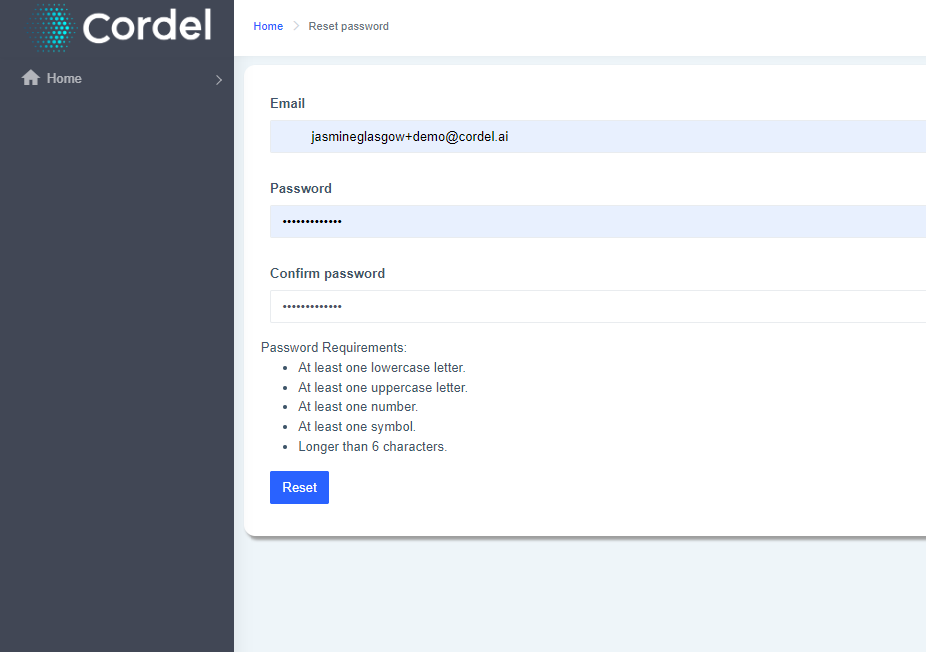
7. Click the 'Reset' button