

To download and install Ground Station, you’ll need access to Cordel Connect.
How to login to Cordel Connect
Once you are logged into the Cordel Connect Platform, navigate to Home>Software from the main menu.
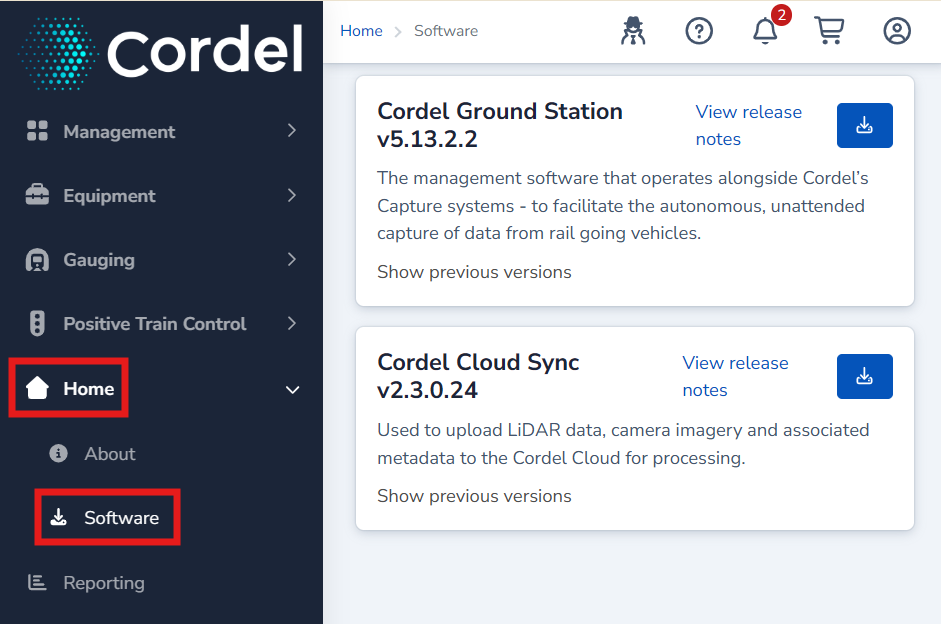
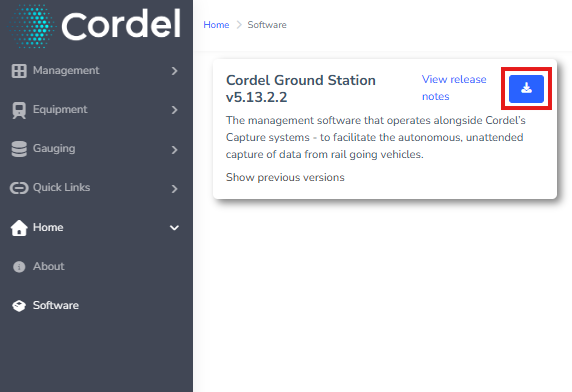
Click the blue ‘Download’ button to download the most recent version of the software.
We recommend downloading and installing the current version, unless you have specifically been asked to access a different version.
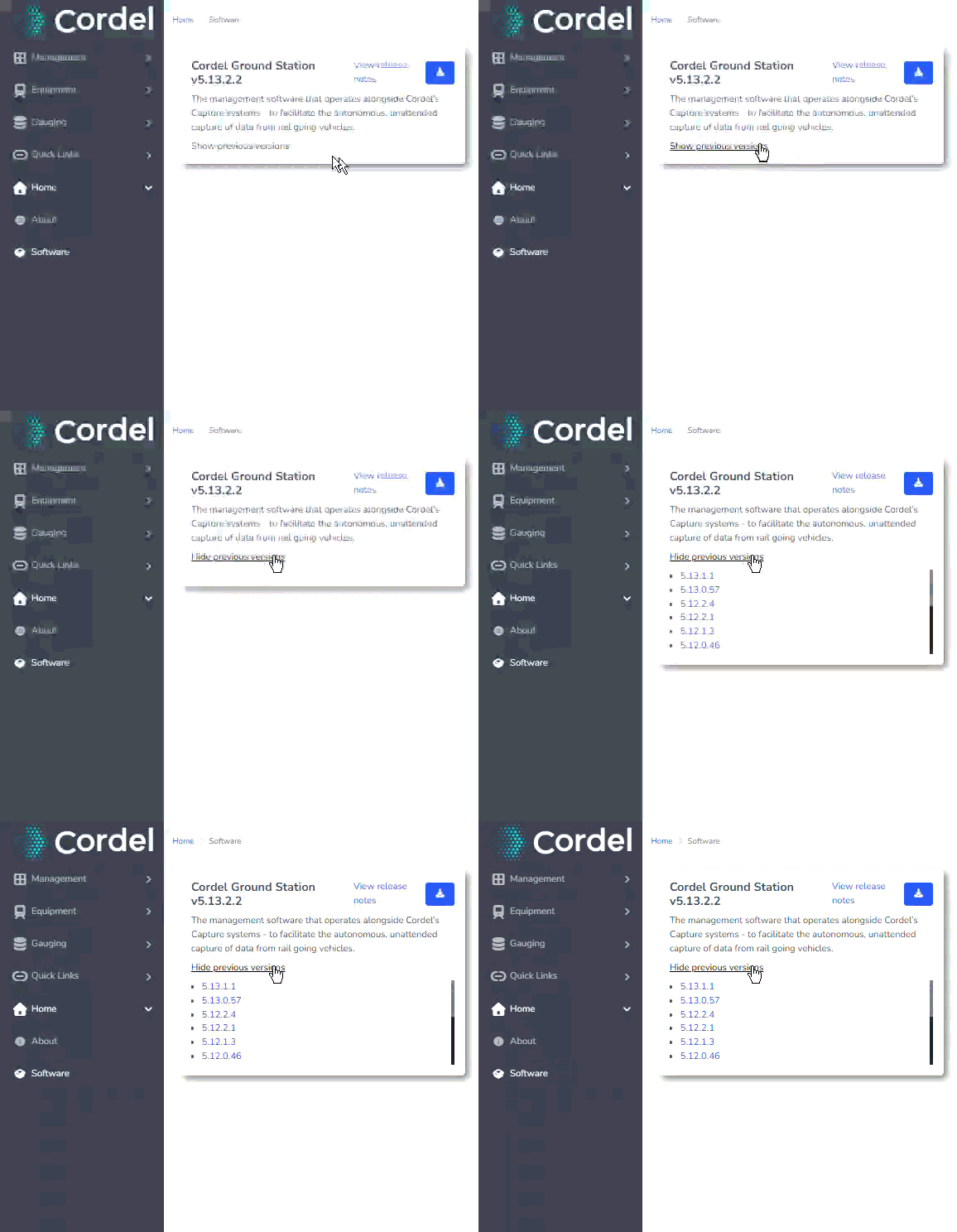
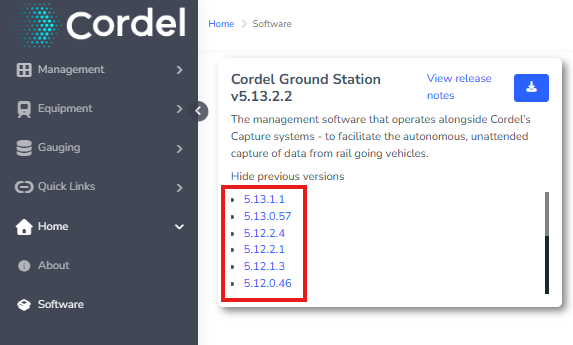
In the unlikely event you are instructed to download an older version of the software, click “Show Previous Versions” on the Ground Station software card.
Click the hyperlink that corresponds to the version you wish to download:
How to Install Ground Station