

Core Updates
Cordel Connect
Search for missions in Entity Search on the Explorer page
Missions can now be searched for directly on the Entity Search tab, and other entities in the same vicinity will be shown.
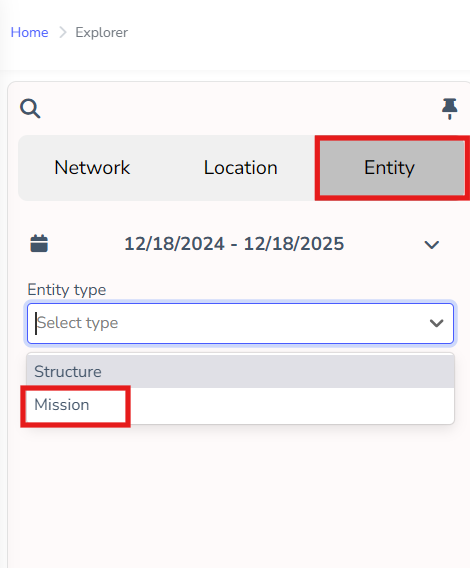
Users are encouraged to filter these searches down to 3-7 days, as densely covered areas can return a large number of results, potentially impacting system performance.
Migrate search results between the Explorer page and Search Pages
A new "View on {Entity}" button appears on Explorer results for each entity
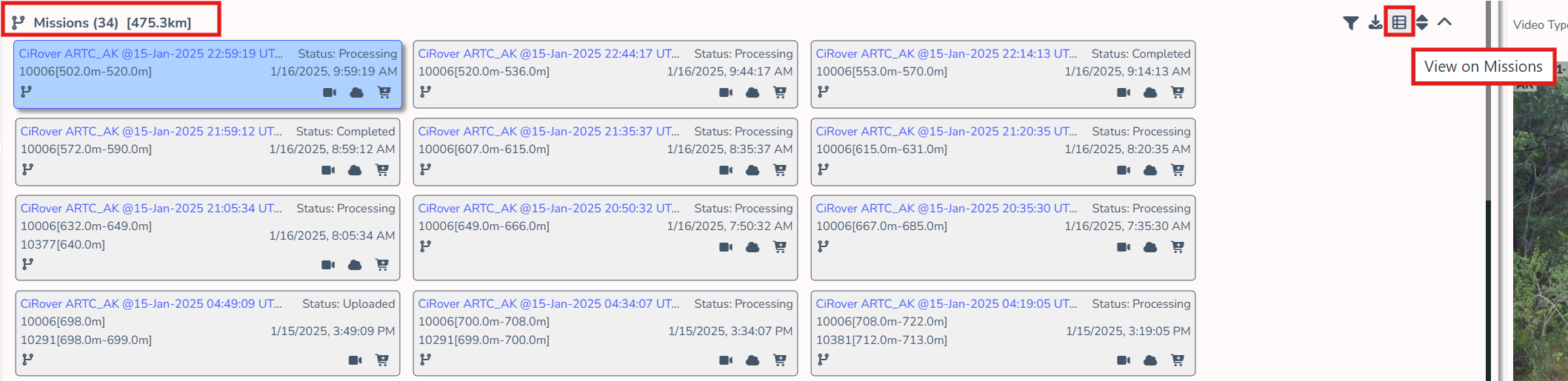
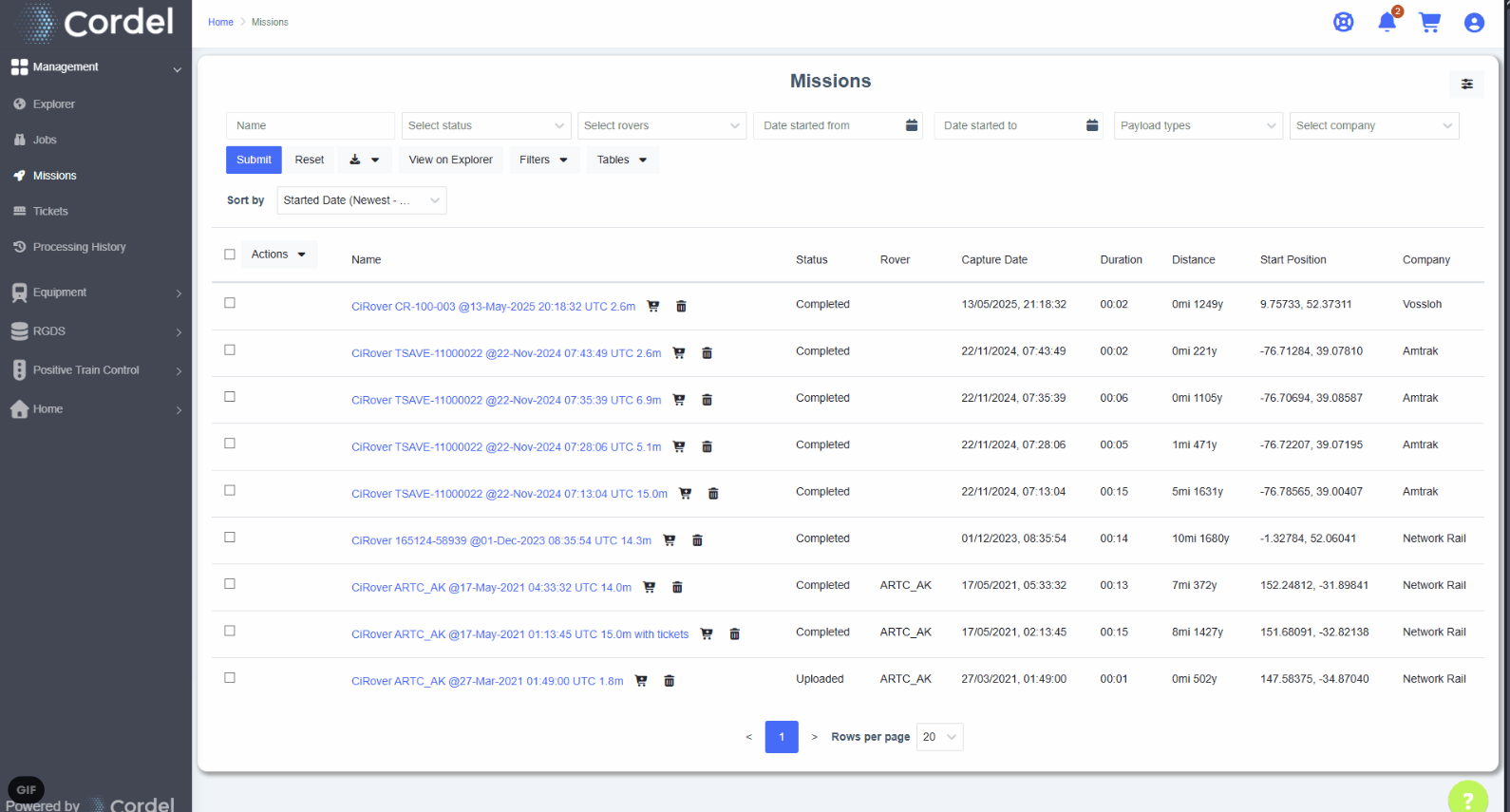
This release also delivers the "View on Explorer" button - allowing users to view search results on the Explorer page. Users can view search results in Explorer for Assets, Missions, Structures, Surveys and Tickets using this function.
Upload a replacement Survey when a Survey is Rejected
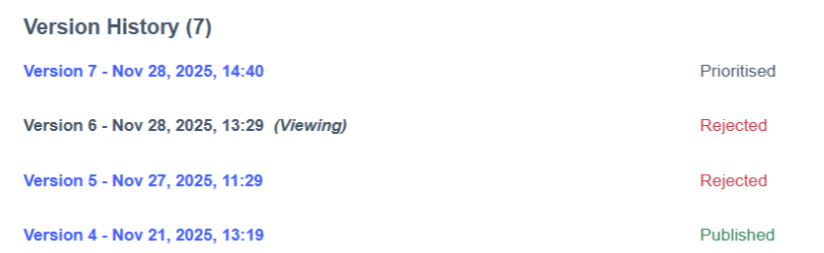
Users can now upload a replacement Survey for Rejected surveys and this is logged as part of the new Version History shown on the Survey page.
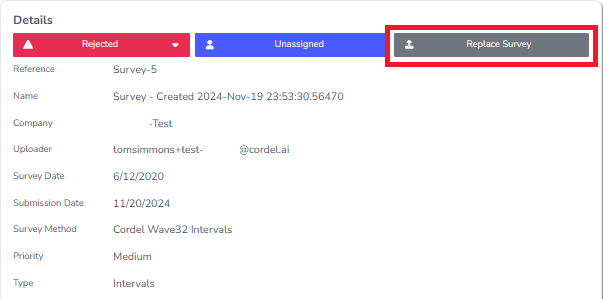
The "Replace Survey" option is only available on Surveys in a 'Rejected' state.
This allows better visibility of historical Survey interactions, including information such as the original date a Survey was submitted and the date a Survey was published.
Minor Updates
-
Jobs and Missions
-
Copying and Migrating has been improved where users will be provided clearer confirmation of actions and progress
-
-
Surveys
-
Slice Editor toolbar will now remember the previous open or closed state
-
Slices for a Structure will now appear as selected on the map
-
Line Speed data will be refreshed on Slices when a Survey transitions to QA Level 1
-
Changes to Surveys selected during upload will appear in the Created audit record
-
-
PTC Assets list
-
Create Asset button will only appears when the user has permission to create assets
-
Extend page to include all of the standard features for tables (export, sort, batch actions)
-
-
Maps
-
Mission paths will be displayed using a consistent blue colour
-
Post Markers are now visibile on all maps (when available in LRS data)
-
-
General
-
Add to cart button will be disabled when the item is already in the cart
-
You can now search the Processing History by the name of the submitted cart
-
File upload areas have been improved, providing clearer instructions and options for users
-
Fixes
PTC Audits
-
Fixes an issue when viewing asset point clouds
-
Fixes an issue with multi-mission workflows
-
Fixes an issue where the asset video was not in sync with the selected asset
General
-
Fixes an intermittent issue on the Explorer page where the map does not zoom to the predefined location
-
Fixes an issue which causes invitations to be sent without an associated company when the inviter was missing a previously expected permission
-
Fixes an issue where the date in CSV exports was not the expected date format