

Core Updates
CORDEL CONNECT
Network Model Version Management
The Network Model administration page now shows the current and previous versions for each Network Model.

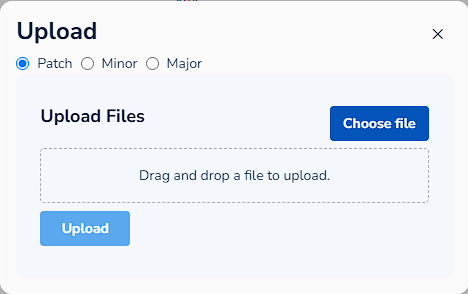
When uploading a new Network Model file, administrators can now select a version strategy: Patch, Minor, or Major (the system defaults to Patch). If no strategy is selected, the system falls back to reading version metadata from the file itself, or assigns a default starting version.
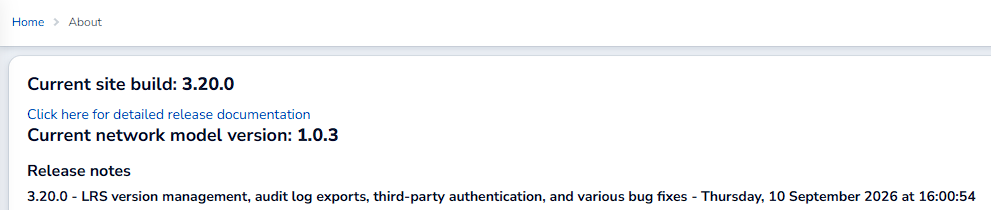
The current Network Model version is now also shown on the Cordel Connect about page, alongside the application version.
Audit Log Exports
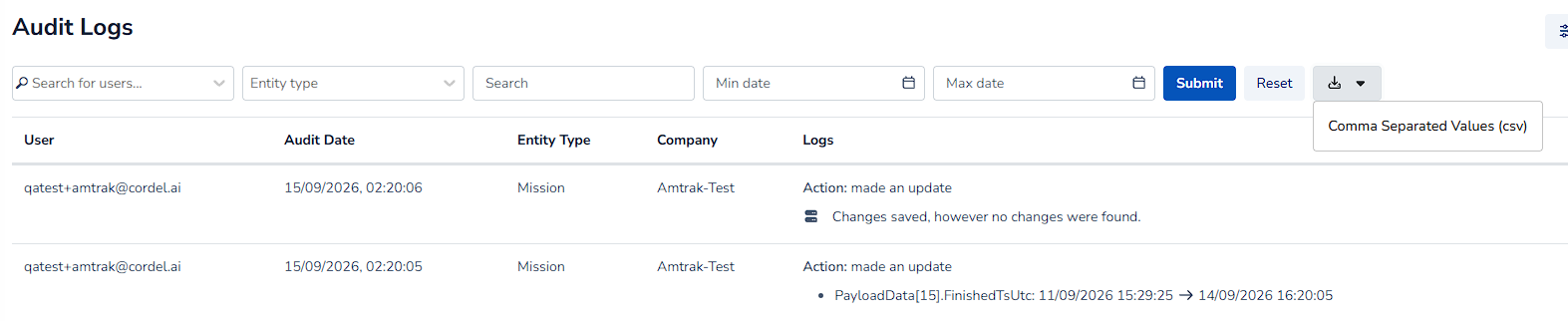
Audit Log search results can now be exported as a CSV file. Exports include field change rows, showing the entity, user, action, timestamp, value, system note, and user comment for each change.
Third-Party Authentication
Cordel Connect now supports an OIDC authentication workflow for third-party identity providers, including OKTA and Microsoft Entra tenant-restricted authentication. This allows organisations to sign in using their existing identity provider in addition to Cordel Connect's standard login.
Minor Improvements
Gauging Data
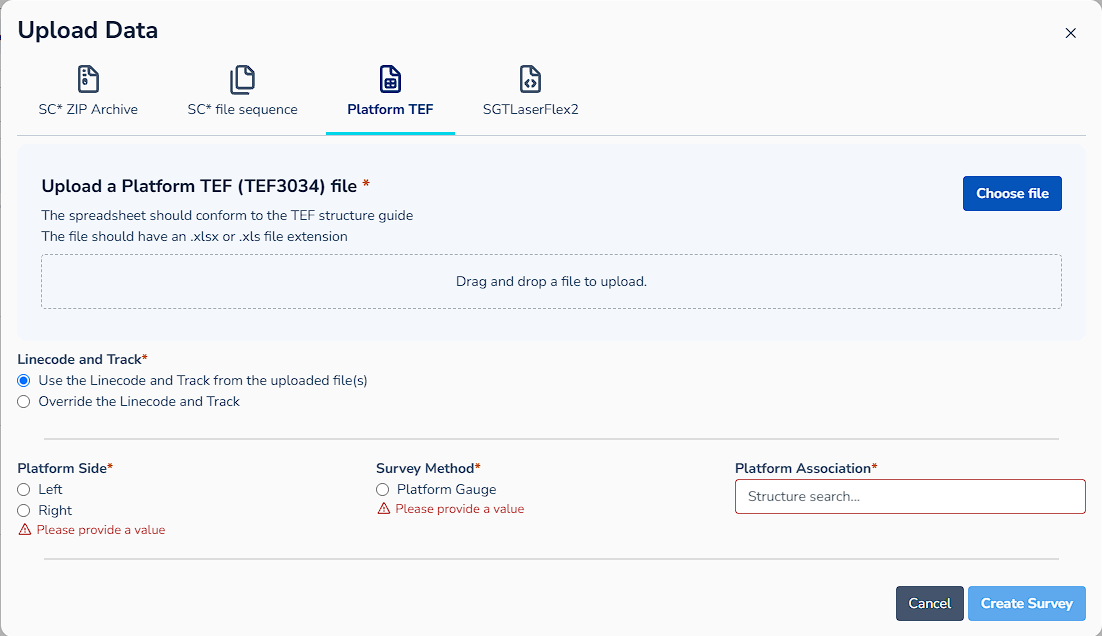
Structure selection is now required when uploading TEF surveys.
Structure linear position is matched exactly to slice data on publish when slice track information differs from the structure.
Public API
The Structures API create and update endpoints have been revised to better align with current Cordel Connect structure models and processes. A slice status filter has been added to the survey SCN download API.
Carts
Users with permissions to manage carts can now view all processing carts in the system when viewing processing history.
General
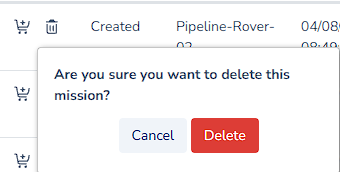
Single entry delete actions now use a simplified confirmation pop-up.
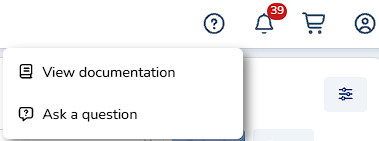
The “Help” icon in the Cordel Connect shortcut menu now uses a more appropriate icon.
Fixes
-
Details card: unsaved edits were not reverted immediately after selecting Cancel; edits now revert immediately.
-
Slice data: historic and raw slice point colours clashed with rendered QA image point colours; colours are now distinguishable.
-
Survey Edit page: assigned structures did not appear on the graph until the page was refreshed; structures now appear without a refresh.
-
Reference Data page: the comment input modal could render partially off-screen; it now renders fully on screen.
-
Rover history export: exporting as a GPKG could fail when the final status group contained a single entry; the export now completes successfully.
-
Cart page: mission paths failed to load when a cart contained a large number of missions; mission paths now load correctly.
-
Rovers Index: the Active Rover marker displayed as a broken image; the marker now displays correctly.