

Core Product Updates
Cordel connect
Filter Explorer Search Results
Users have greater control over the search results displayed on the Explorer page. Version 3.8.0 of Cordel Connect introduces filtering and sorting options on Explorer search results - regardless of the search type used (location, network, entity, etc).
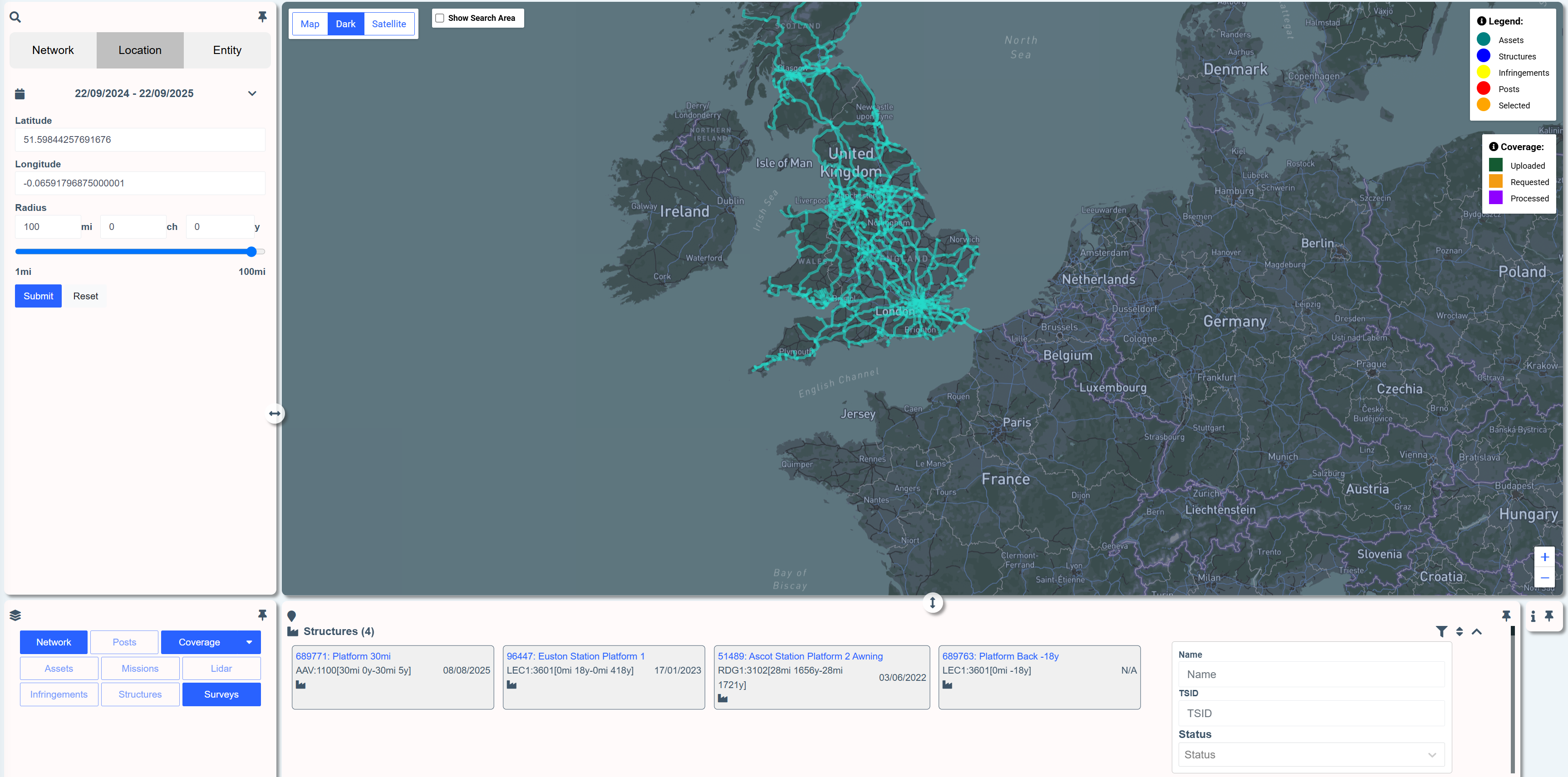
To filter search results, click the filter icon image-20250921-234321.png in the header of an entity type.

The search results can now also be sorted by clicking the sort icon image-20250921-233812.png on the header of an entity type.


The filtering options and sorting options are relevant to the entity type selected.
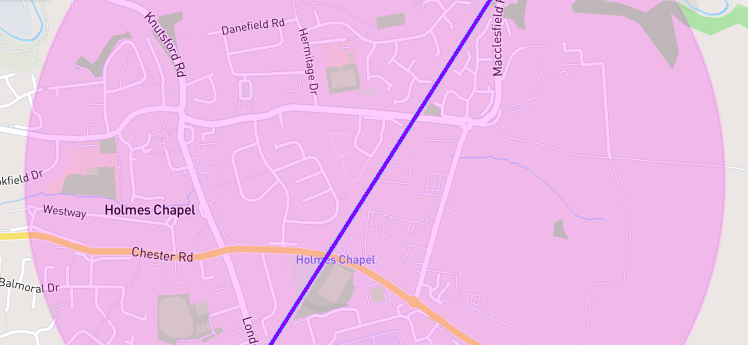
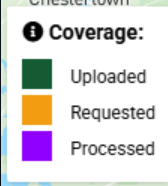
Updated Colours For Mission Paths on Explorer
Missions lines on the explore page have been assigned new colours to allow users to distinguish between mission states more easily.
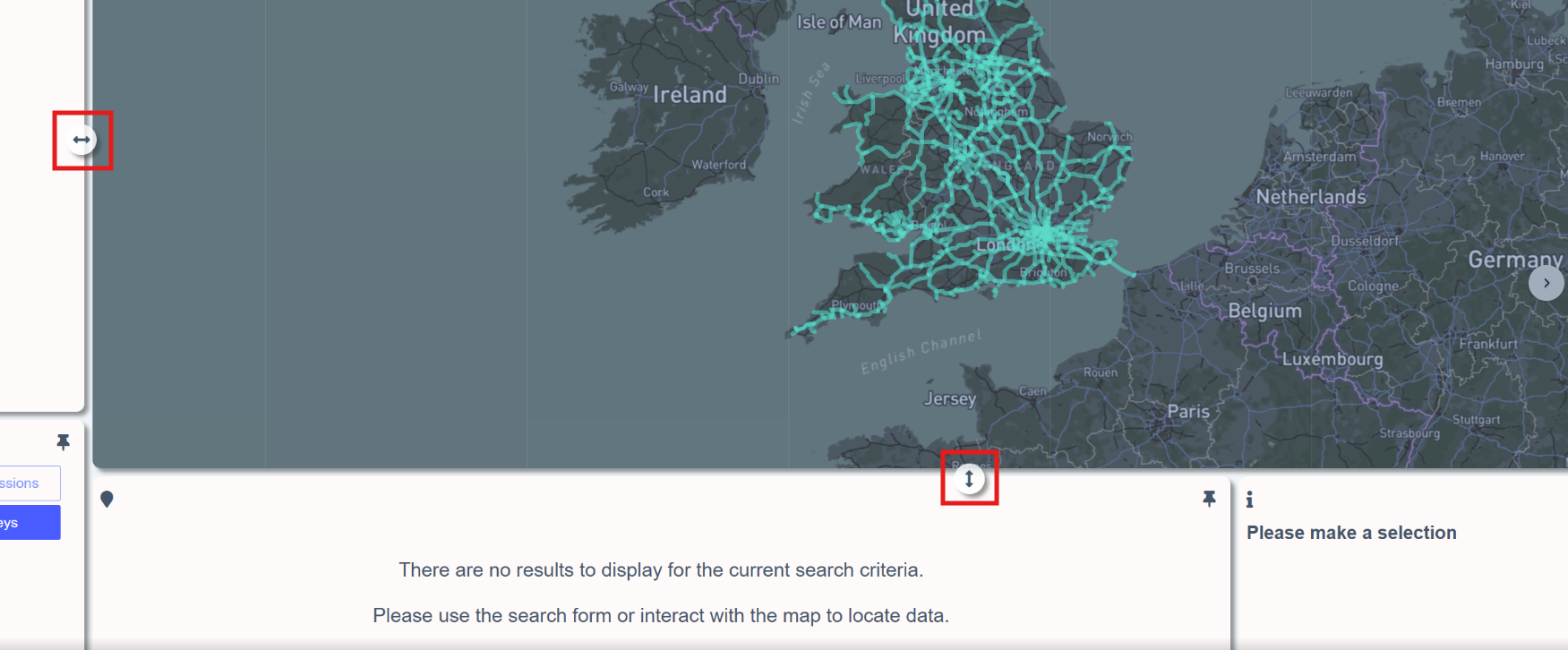
Resize Explorer Sections
The explorer page sections can now be resized vertically and horizontally to suit user preferences by dragging the resize icons
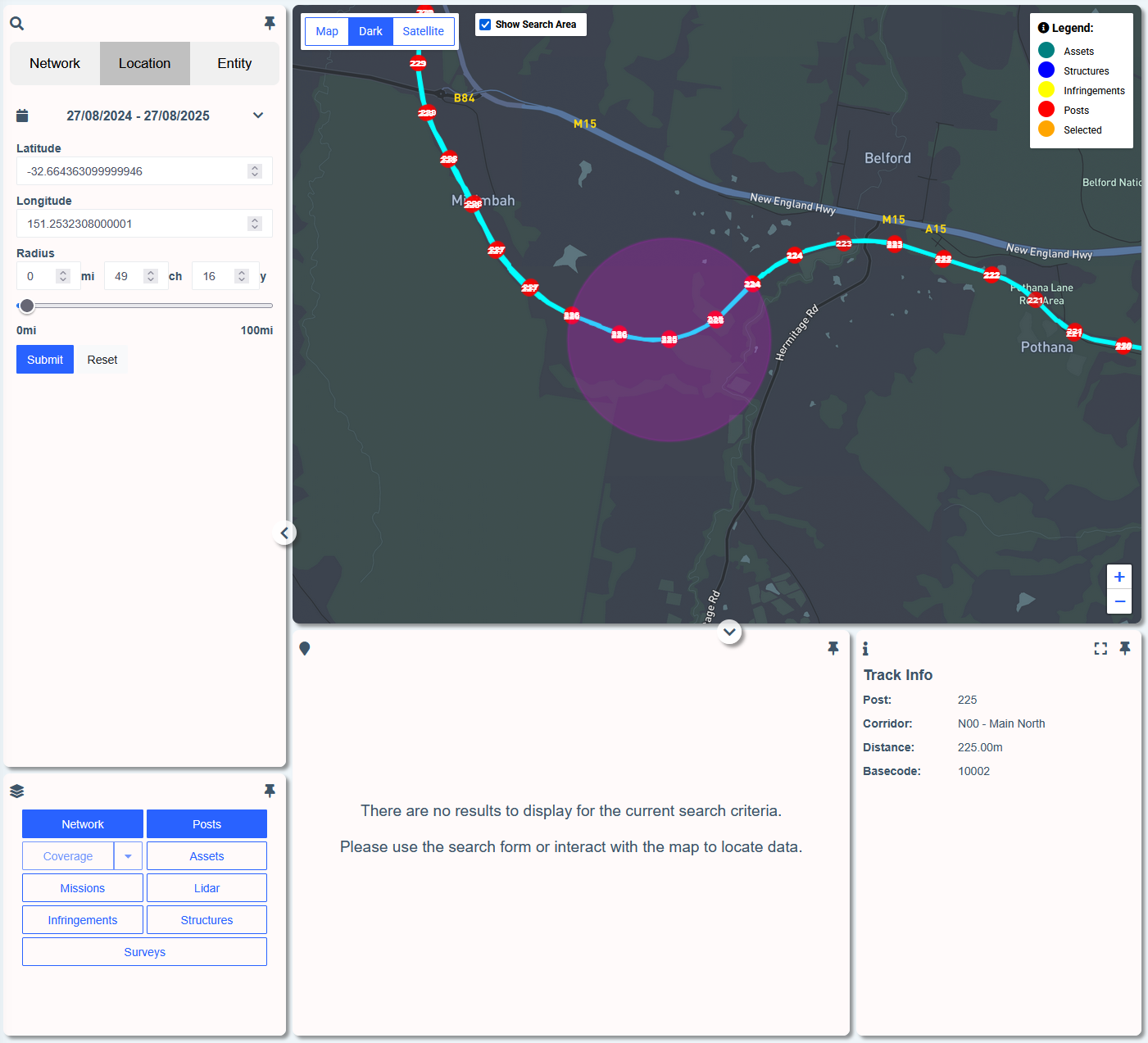
Posts Now Available as a Layer on Explorer
Mile/Kilometer posts can now be toggled on/off using the layer functionality on the Explorer page
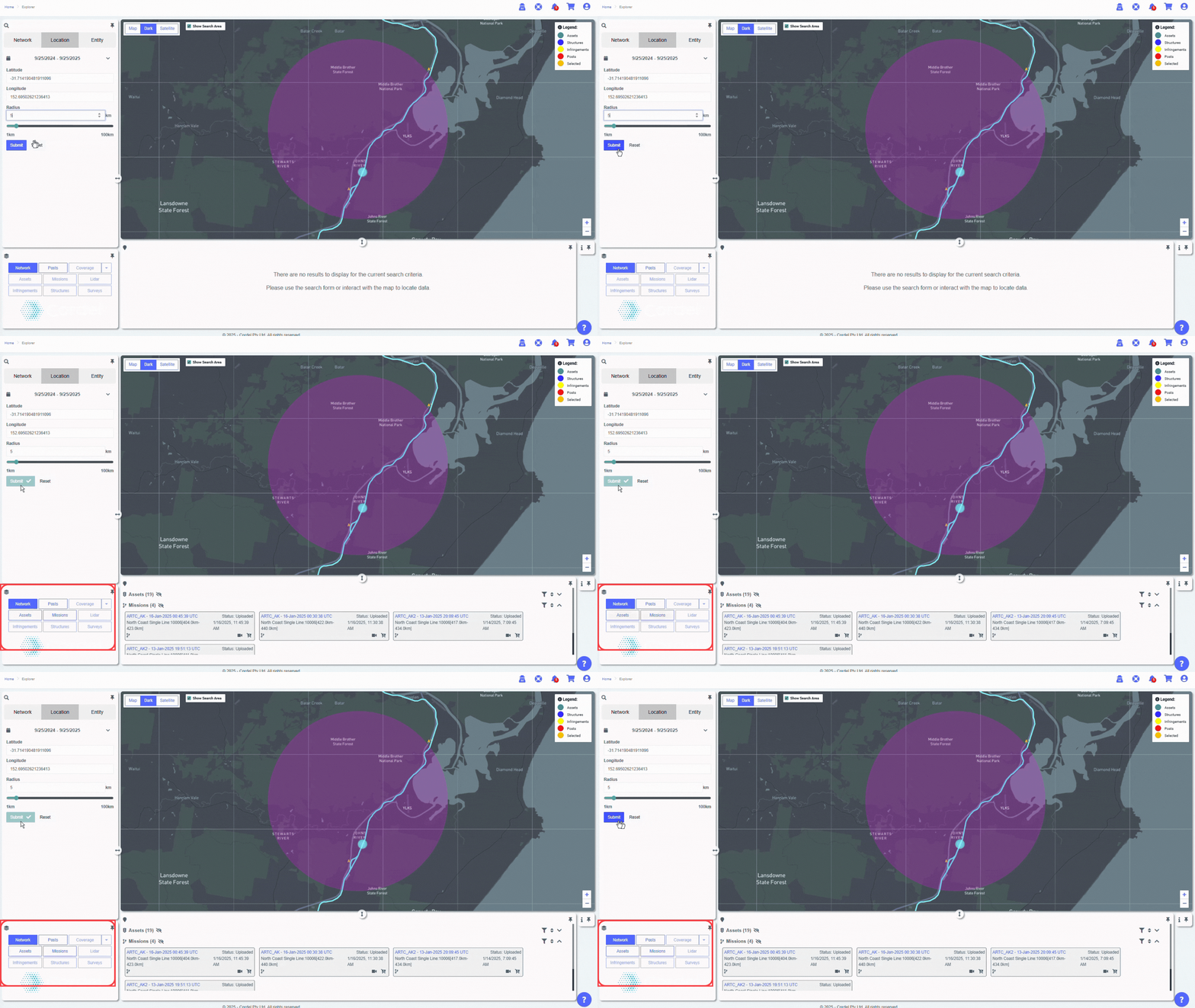
Improved Layer Display
Explorer layers now flash in yellow when a layer has search results available, but is not toggled on.
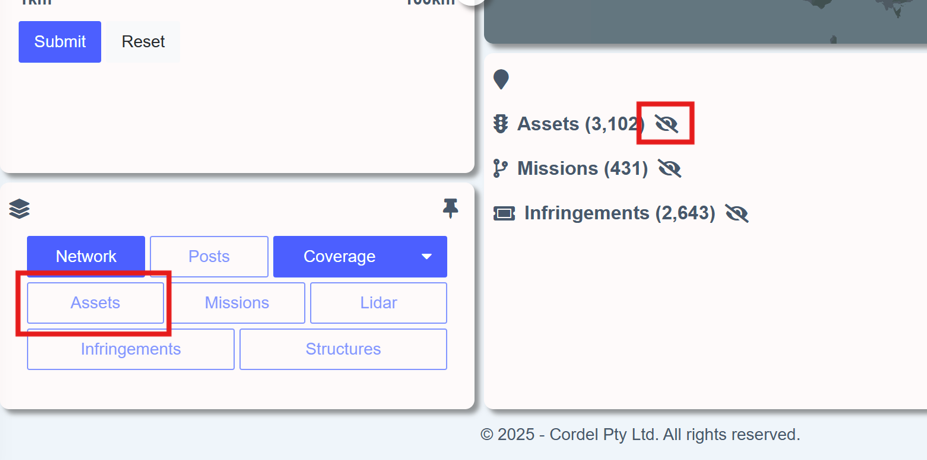
The 'not visible' icon image-20250925-045319.png will also be displayed in the search results section, against entities that currently have their layer toggled off.

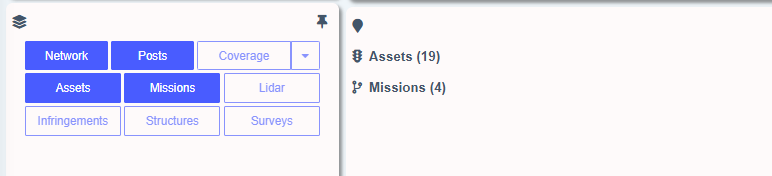
Explorer layers will automatically be disabled (greyed out) unless there are search results available for that layer.
Toggle Search Radius Visual On/Off
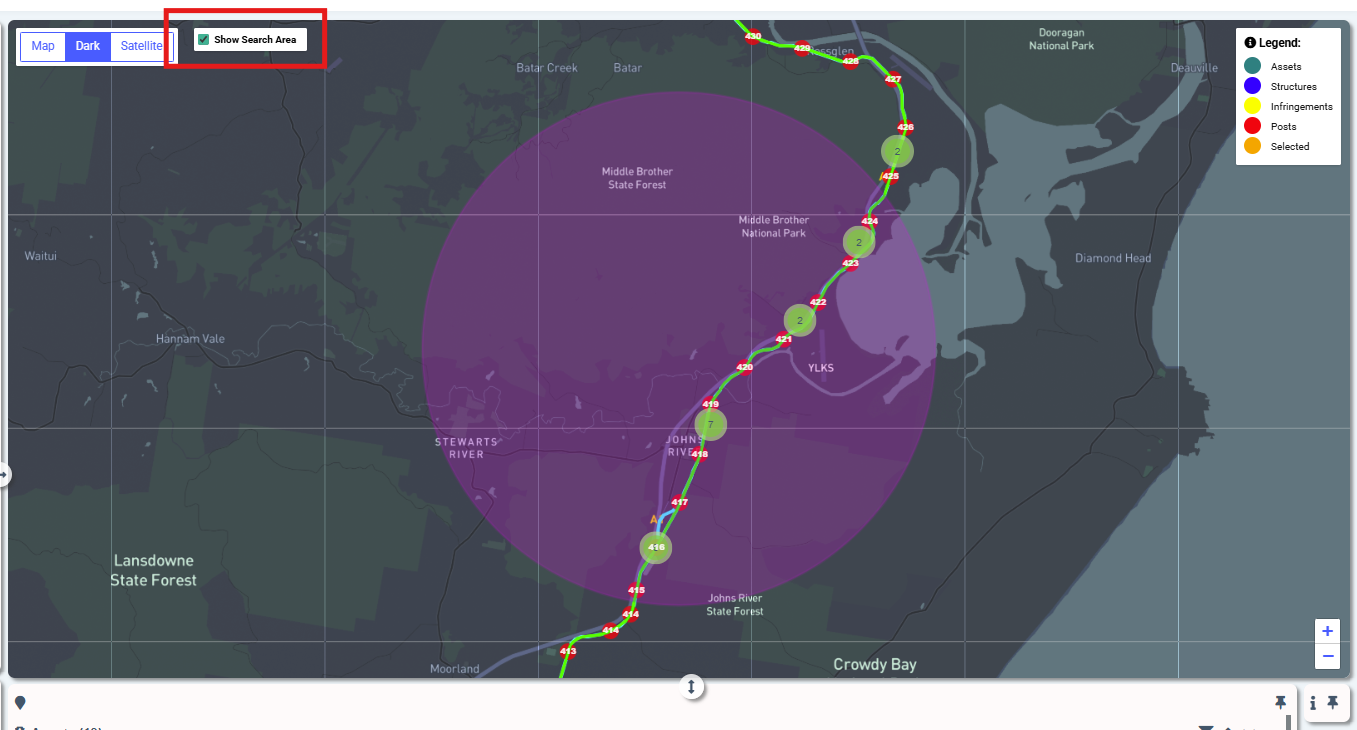
The search radius (pink) now disappears 10 seconds after a user submits a search, to allow for better interaction with the Explorer map. Users have the option to toggle the search radius back on by clicking the "Show Search Area" check box on the Explorer map.
Improved Search Display
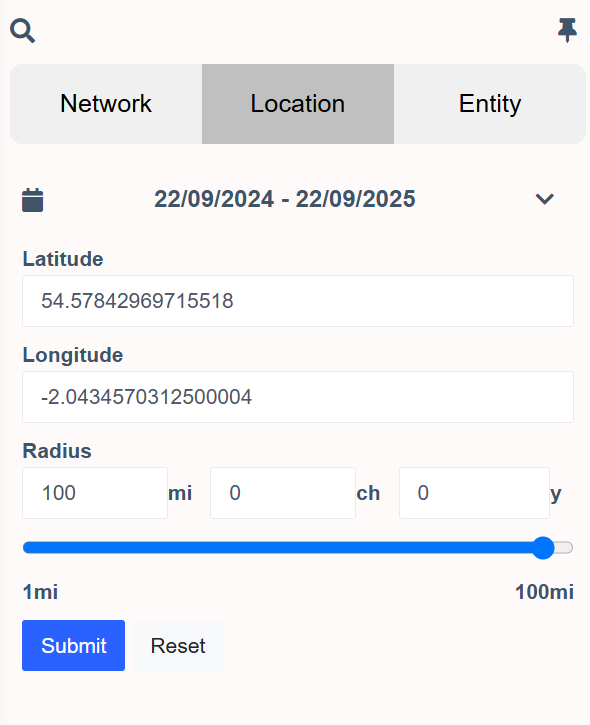
Labels have been added to the explorer location search fields
Reference Numbers For Carts
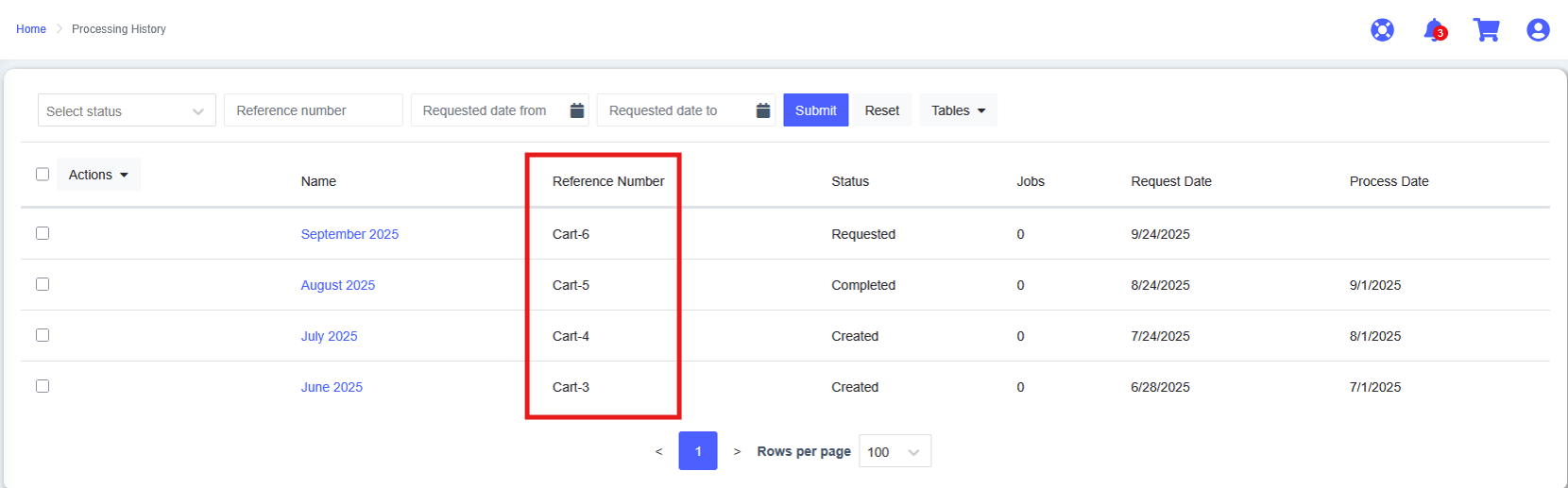
Carts now include a reference number and are searchable on the processing history page.
Filter Notifications By Notifications by Severity
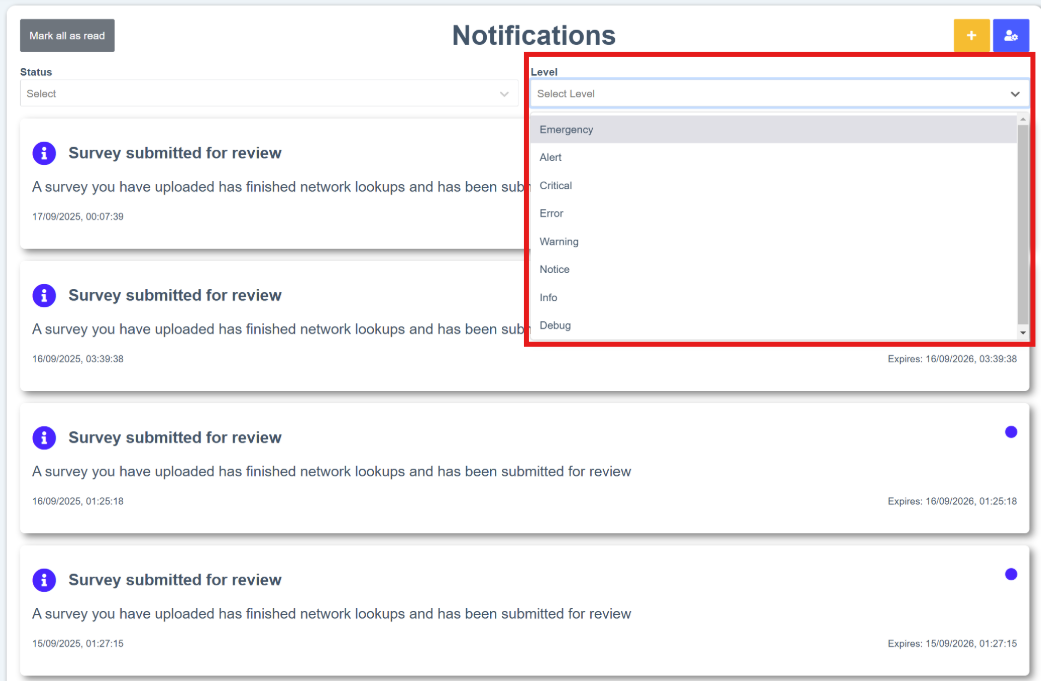
Filter notifications by severity by using the 'Level' drop down on the notifications page
Feature Updates
clearance/gauging
Surveys
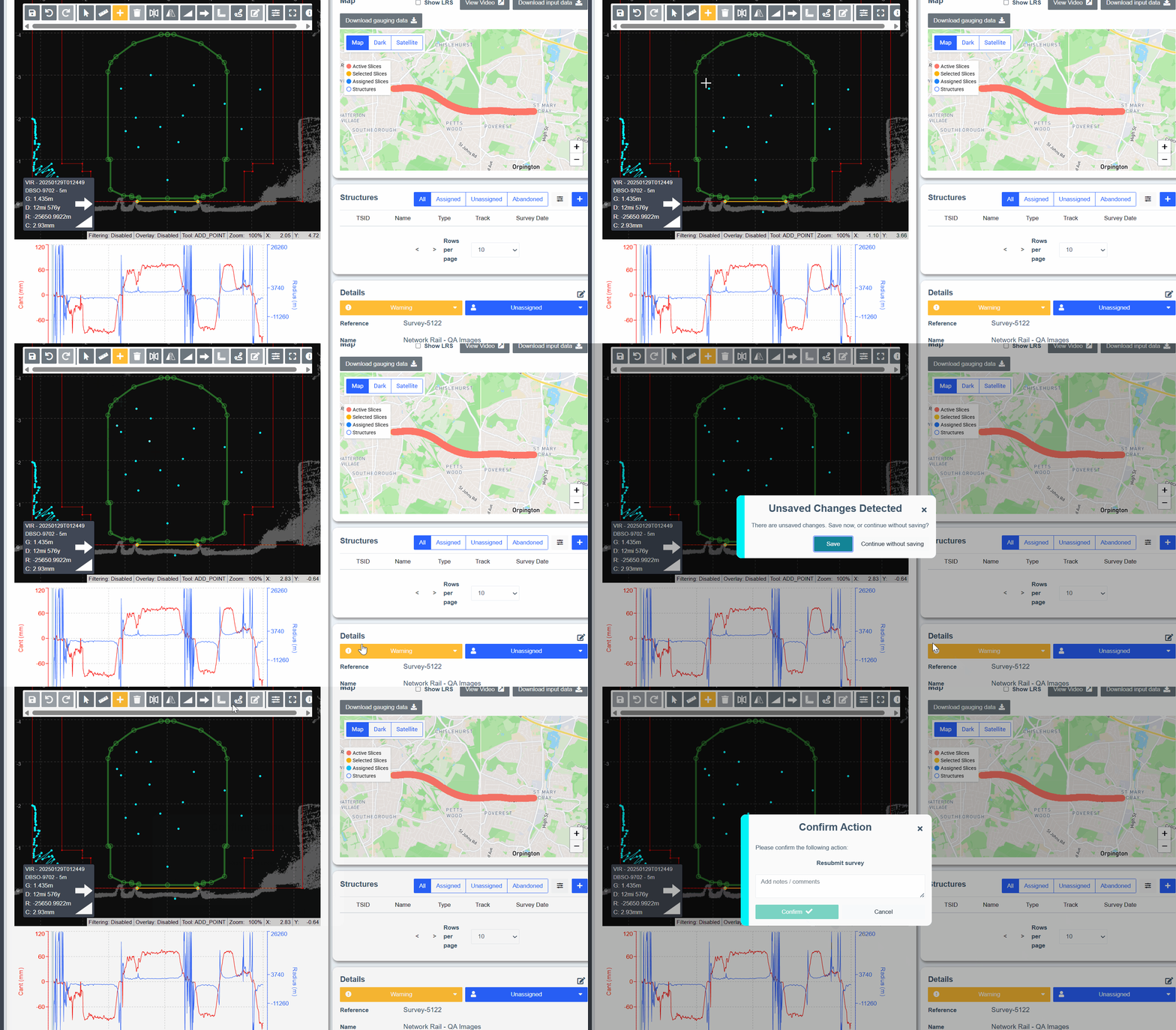
Unsaved Changes Warning in Survey Editor
A warning now appears on the survey edit page if a user attempts to transition the survey to a different state prior to saving their changes.
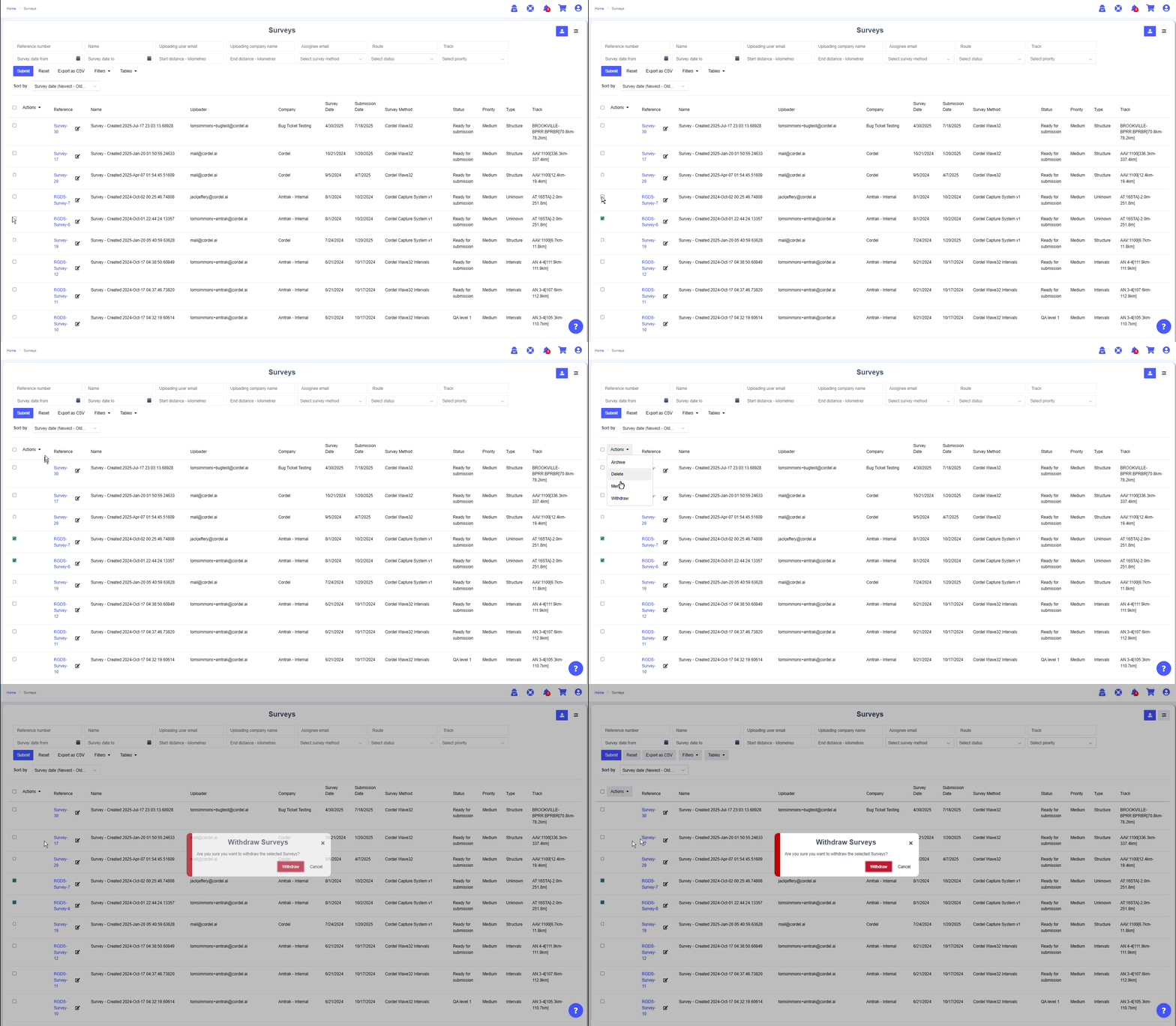
Bulk Withdraw Surveys
Users with appropriate permissions can now withdraw surveys in bulk on the surveys page using a bulk action. Select multiple surveys on the Surveys page using the checkboxes on the left, go to 'Actions' and select 'withdraw'.
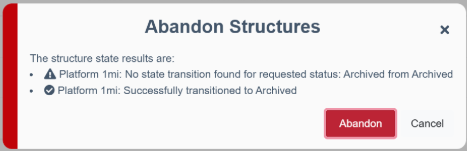
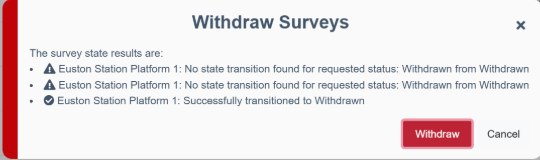
Improved information and error text for all bulk transition actions.
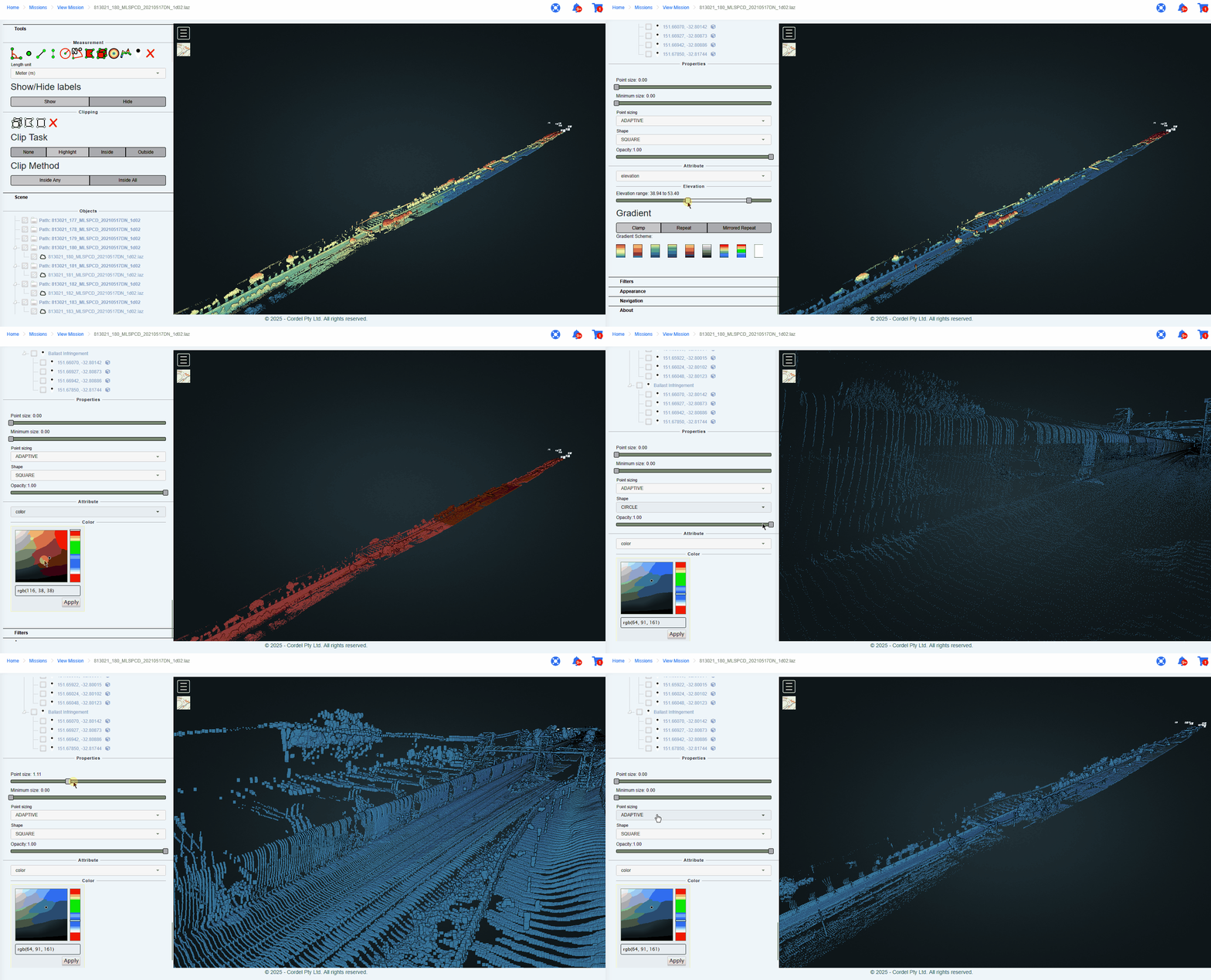
LiDAR Viewer changes are reflected across the entire point cloud
Changes made to display options and properties in the LiDAR Viewer will now be applied to the entire point cloud (previously, changes were only made to the selected file by default).
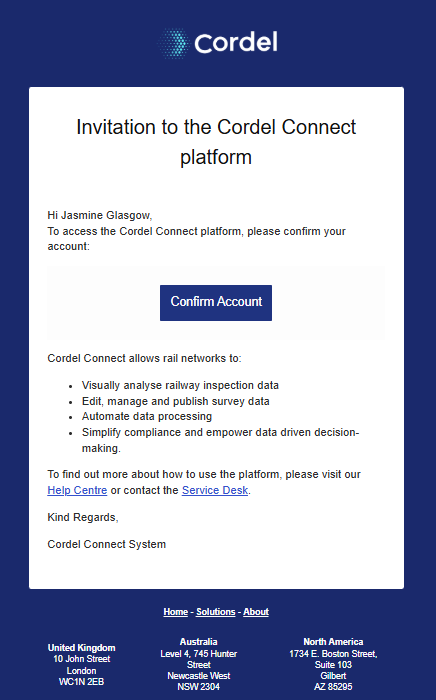
Cordel Connect Invitation Email has been updated
The Cordel Connect email invitation has been updated to reflect Cordel Connect functionality more clearly.
Minor Updates
The 'Tickets' layer has been renamed 'infringement' for greater consistency on the Explorer page
The 'view LiDAR point cloud' icon on the explorer page has been changed to a cloud icon image-20250924-035112.png

There is now the option to show the network model (LRS) on additional maps within Cordel Connect, including
-
The PTC audit page
-
The Job Page
-
The Cart page
Fixes
-
Fixed an issue where searching via text multiselect would cause an error
-
Fixed an issue where users could not extend a single slice selection to the right on the survey edit page
-
Fixed an issue when a mission table was created with an end capture data column was causing an error