This function requires administration permissions.
1. Sign in as a user with admin rights. If you're not sure how to login, you can find more information on logging in here.
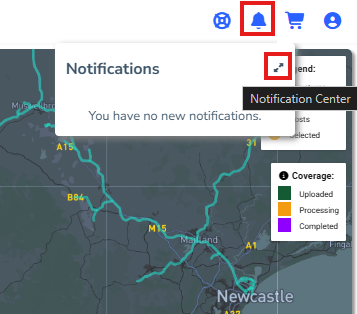
2. From the shortcut menu, click the Notification icon>the Notification Centre icon:
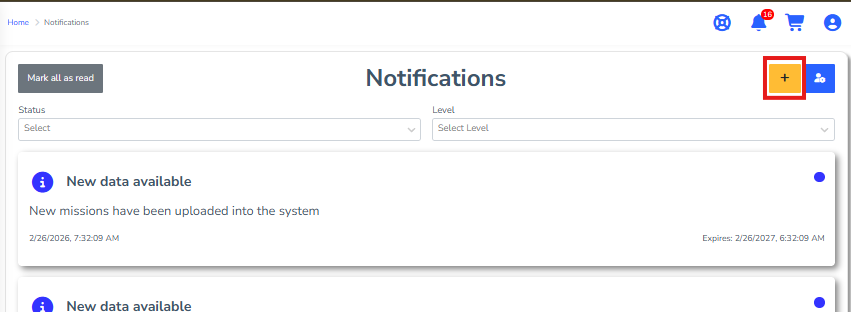
3. Click the blue '+' symbol to open the 'Send Notification' form:
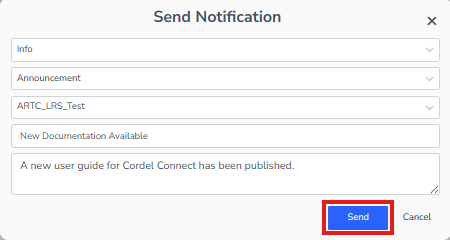
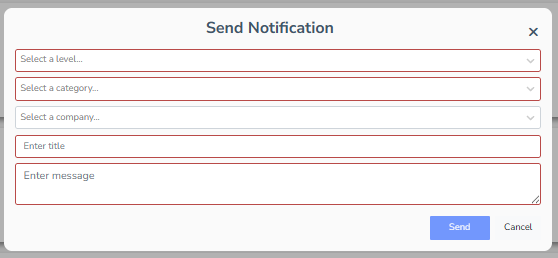
4. Enter the severity level, notification category, company, title and the message details into the form:
5. When you have completed the 'Send Notification' form click 'Send'