

-
Navigate to Gauging>Structures and click the blue hyperlink of the Structure you wish to edit the details for
-
Click the

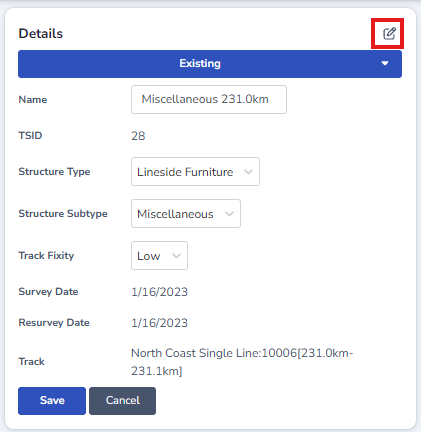
-
Make the required changes
-
Click save
Users with the relevant permissions can assign/unassign Slices to Structures.
More information on how to assign/unassign Slices to Structures can be found here.