Note: Depending on the configuration of your Clearance Connect module, this functionality may be unavailable.
What information is available in the Structure Viewer?
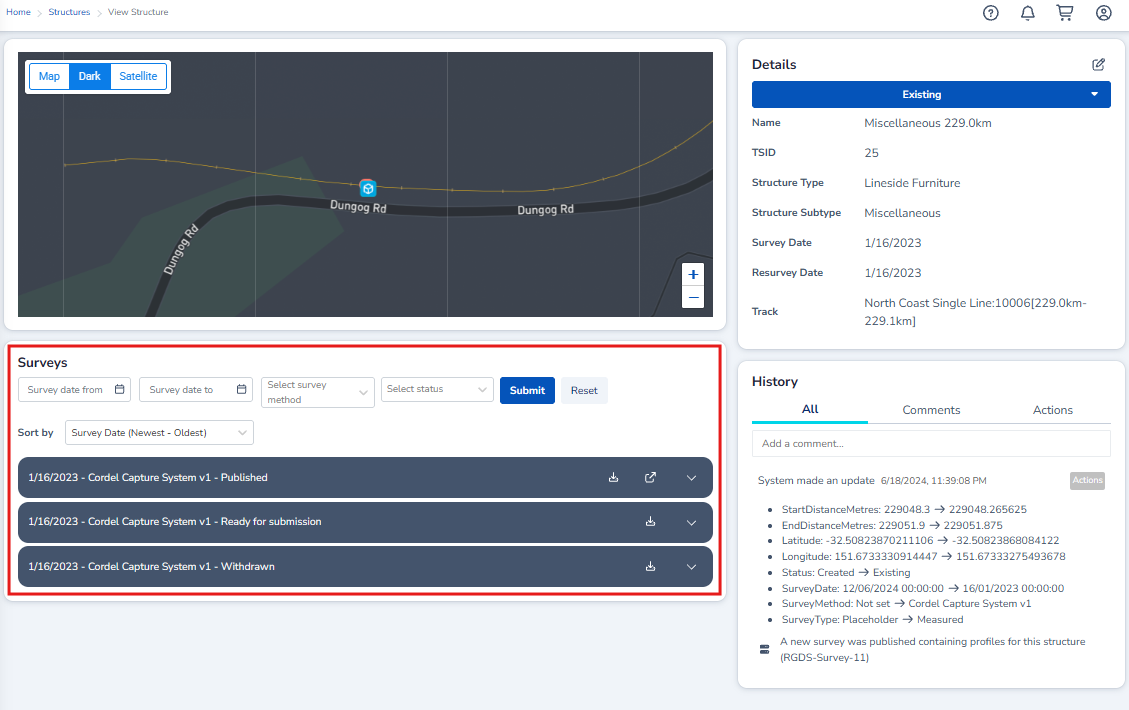
Structure Viewer allows users to review detailed information, view the history of the selected structure, review the relevant surveys and view the structure on a zoomed-in map.
Details
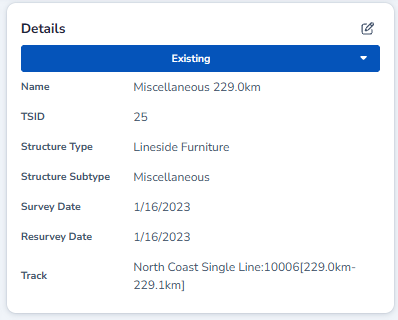
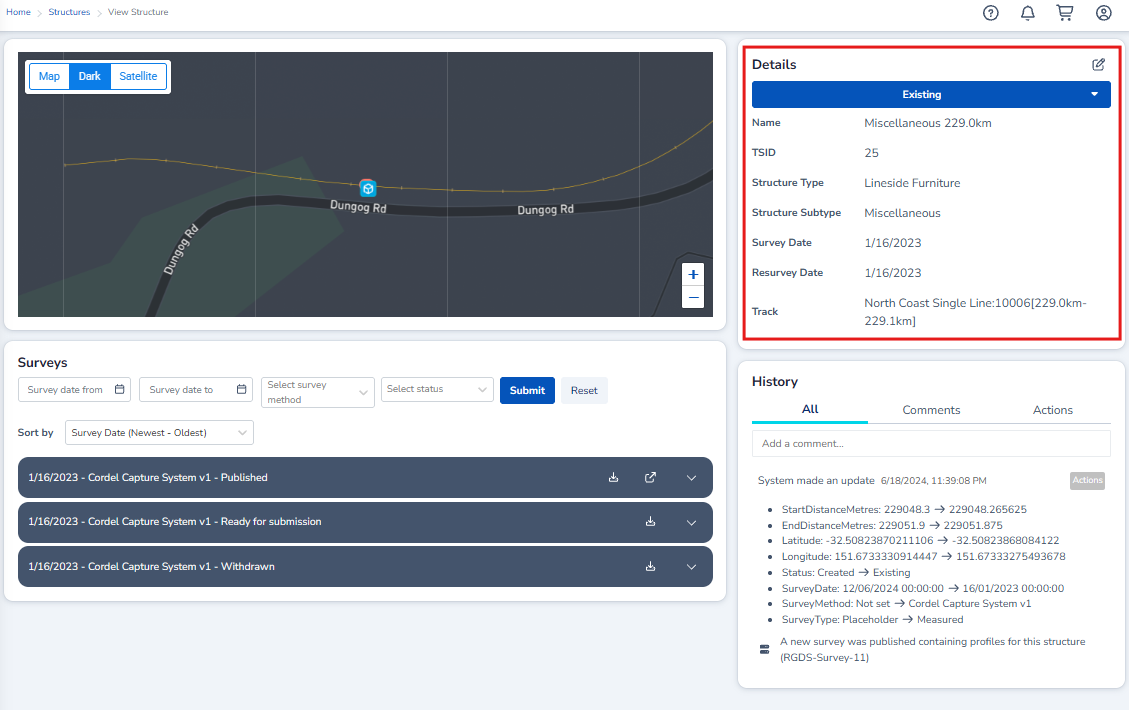
Detailed information can be reviewed, including the TSID, structure type and subtype, the survey date and status. Depending on the user's permissions, this information can be edited using theimage-20250428-024056.png (pen) icon.

History
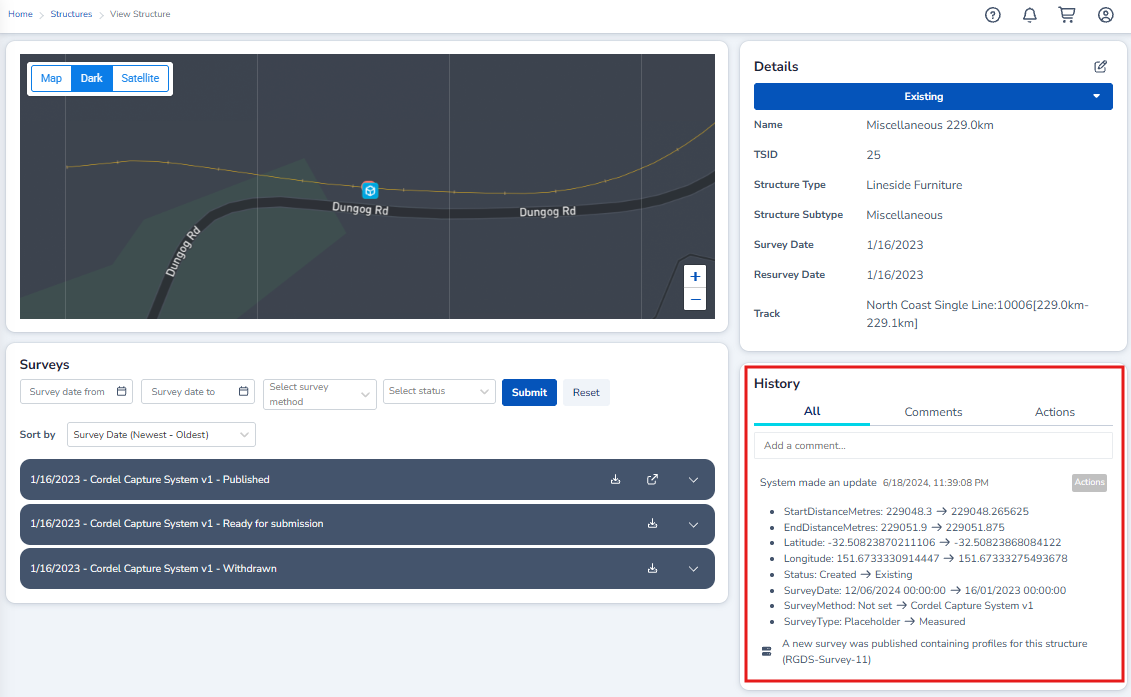
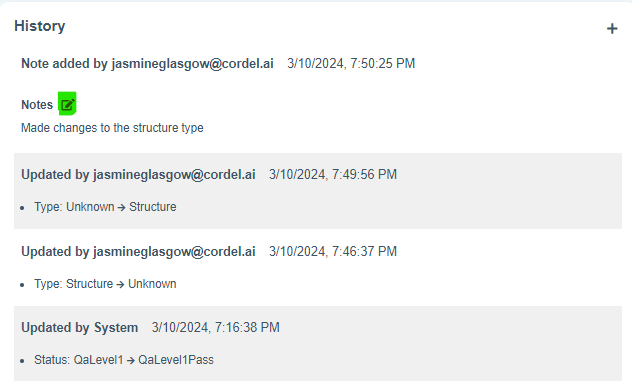
System updates and users notes are displayed in the history card, giving users a detailed understanding of historical information that pertains to the selected structure. Users can add a custom note to the history of a structure using the '+' icon.
Note: User-created notes shown in History can be edited by clicking the 
Surveys
Users can view, download and open the survey/s associated with the selected structure. Where a structure is associated with multiple surveys, the user can sort the list of associated surveys by date, survey method or status.
Map
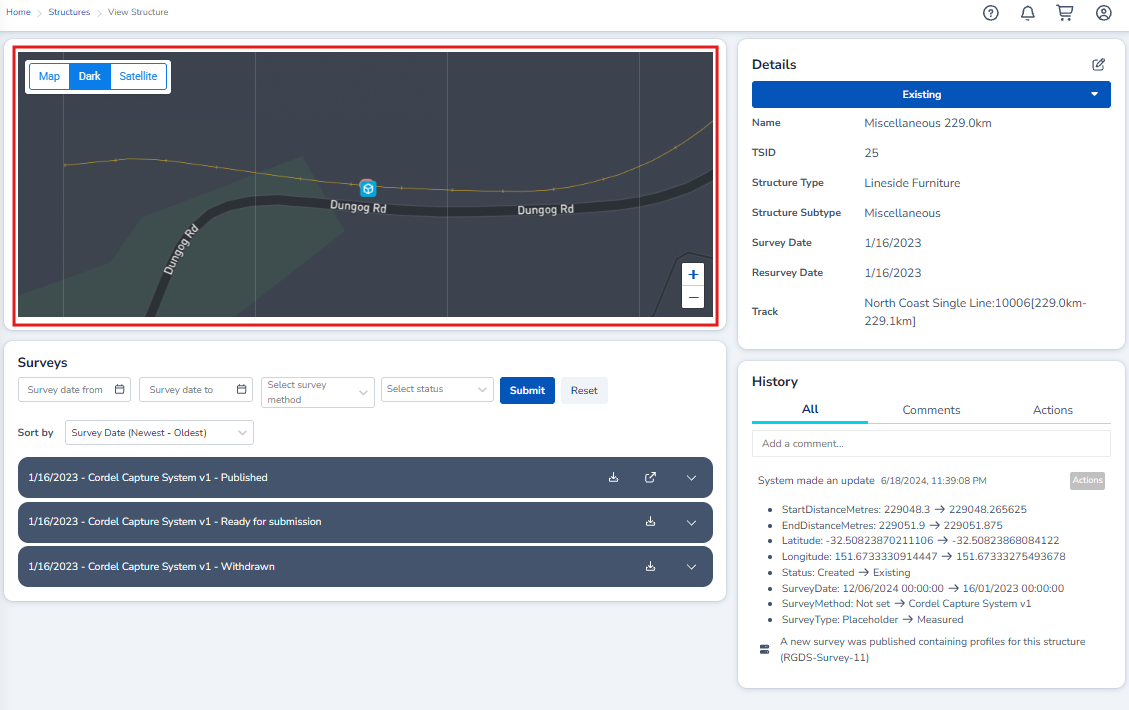
Users are able to view the selected structure on a zoomed-in map. Where sibling slices that are assigned to the selected structure are also displayed on the map view.