

Core Updates
Cordel Connect
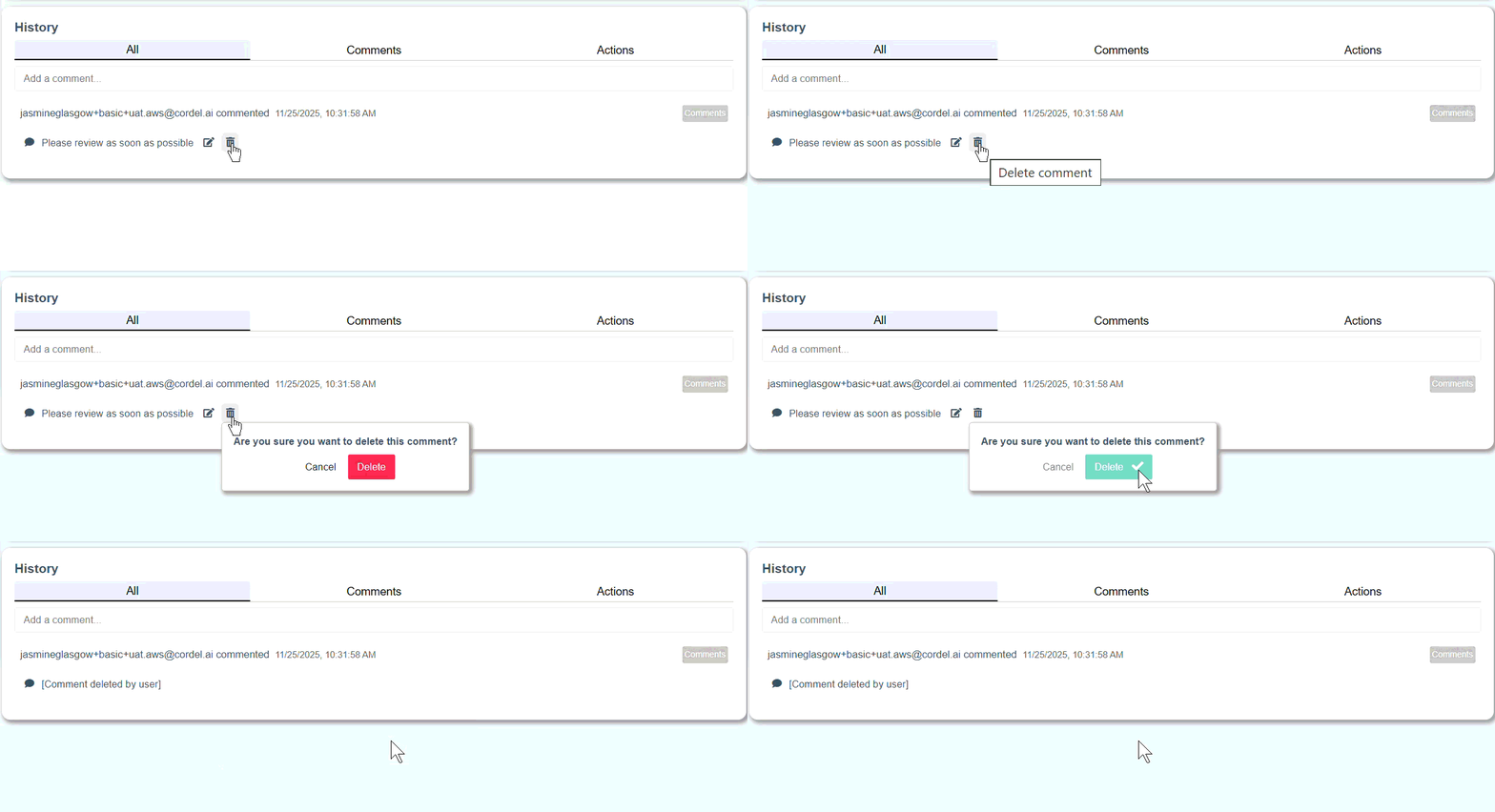
Delete Comments from History
Users with the appropriate permissions can remove comments they have added using the 'delete' icon.
Filter Rover History by status
Rover history can now be filtered by health status [Good; Warning; Error]. The filter used on the Rover History card will also be automatically applied to the data presented on the Rover History map.
Feature Updates
Features may or may not be available to you depending on the configuration of your Cordel Connect account. Please contact your account manager for more information.
clearance/gauging
Slice Viewer
Fix long lines
Previously, when users deleted points from a slice they would be required to identify and potentially modify the attributes of some of the remaining points, in order to avoid interpolated lines being created across the profile.
Cordel Connect now automatically identifies line segments with sections greater than 1 metre in length - and then updates the relevant point attributes in these line segments to close them.
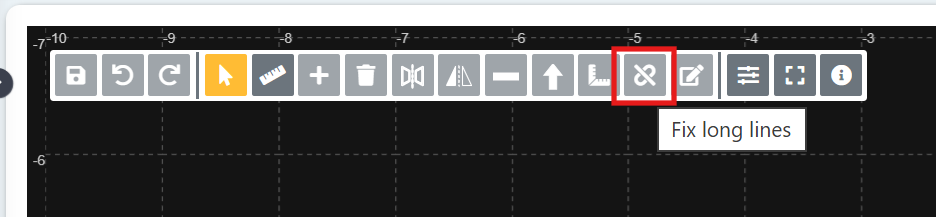
In conjunction with this new logic is a "Fix long lines" button in the Slice Editor toolbar, allowing users to apply this logic manually for data that was created/updated prior to version 3.10.0 of Cordel Connect.
PTC Audit
PTC
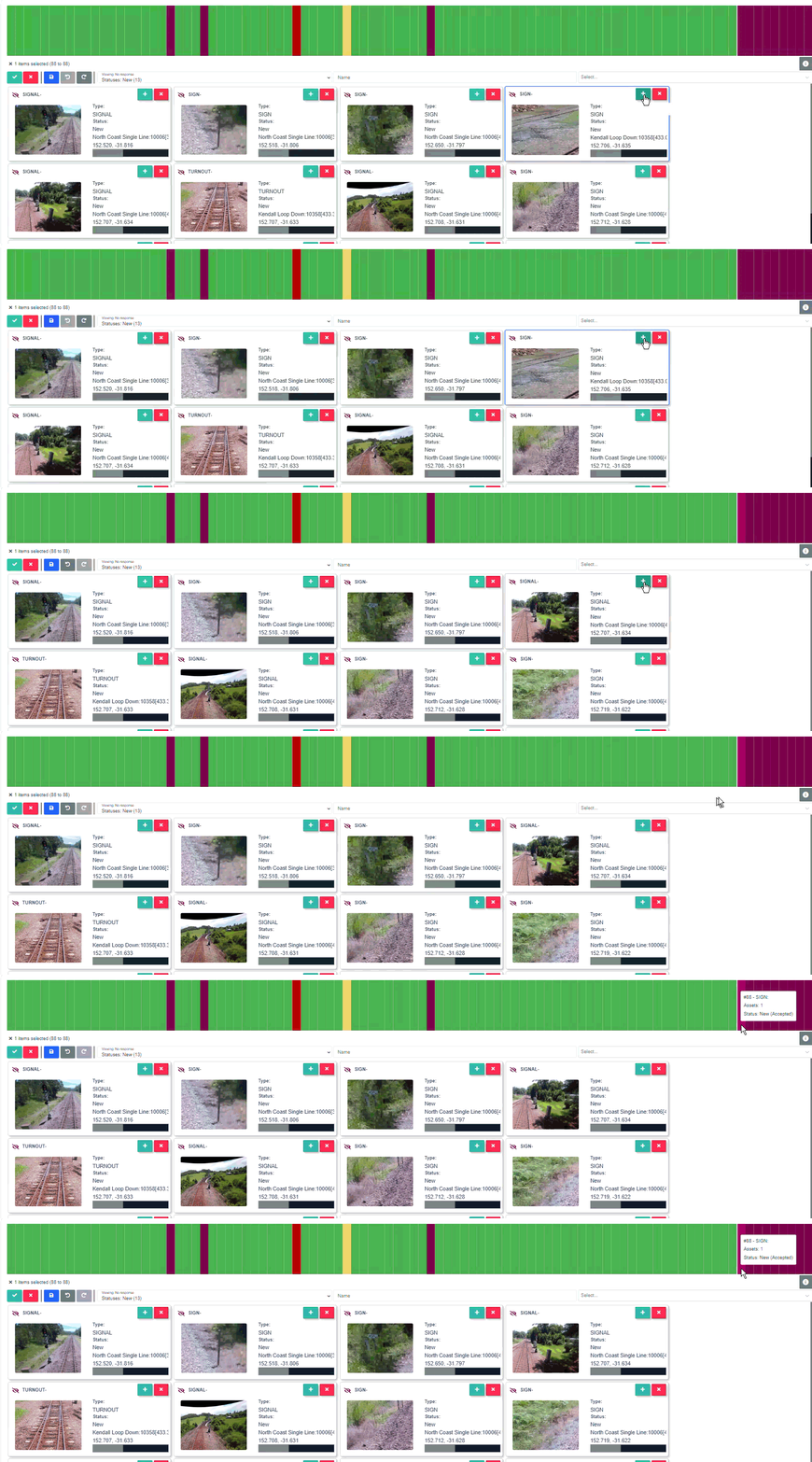
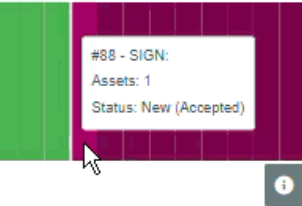
PTC Audit actions [Accepted; Rejected] are now reflected on the PTC Asset Navigator
When a user accepts or rejects an Asset, this action is now shown when a user hovers over the corresponding segment in the Asset Navigator.
PTC Assets
PTC
Asset information can be edited
Users are now able to edit and update Asset information such as position and meta-data.
Minor Updates
-
Structure surveys now display as "Superseded" when all slices associated to a structure are in a 'Superseded' status.
-
The Explorer coverage legend has been updated to more accurately reflect underlying data states.
-
The Explorer dynamic resize functionality has been improved to allow the sections to be closed / opened during a drag.
Fixes
-
Fixes an issue on the mission page that caused the marker and video player to become out of sync when viewing GPS denied data
-
Fixes an issue that caused structure sub-type to be out of order on the Structure search page