

Core Updates
CORDEL CONNECT
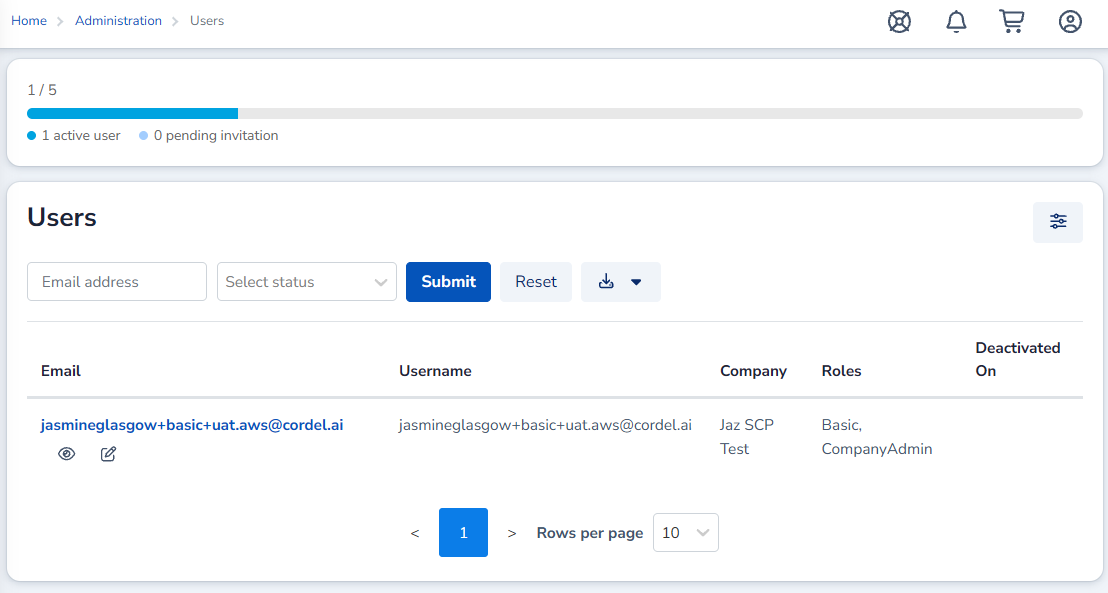
User Limits For Companies
Cordel Connect now has the ability to set user limits for each company within the platform. The limit includes all active users and pending invitations. Once the limit is reached, further invitations and new user accounts cannot be generated.
User Access Requests are not blocked, but they cannot be approved until a license becomes available.
Minor Improvements
codel connect
-
CSV and GPKG exports now include entity Id values, with Id appended as the final CSV column.
-
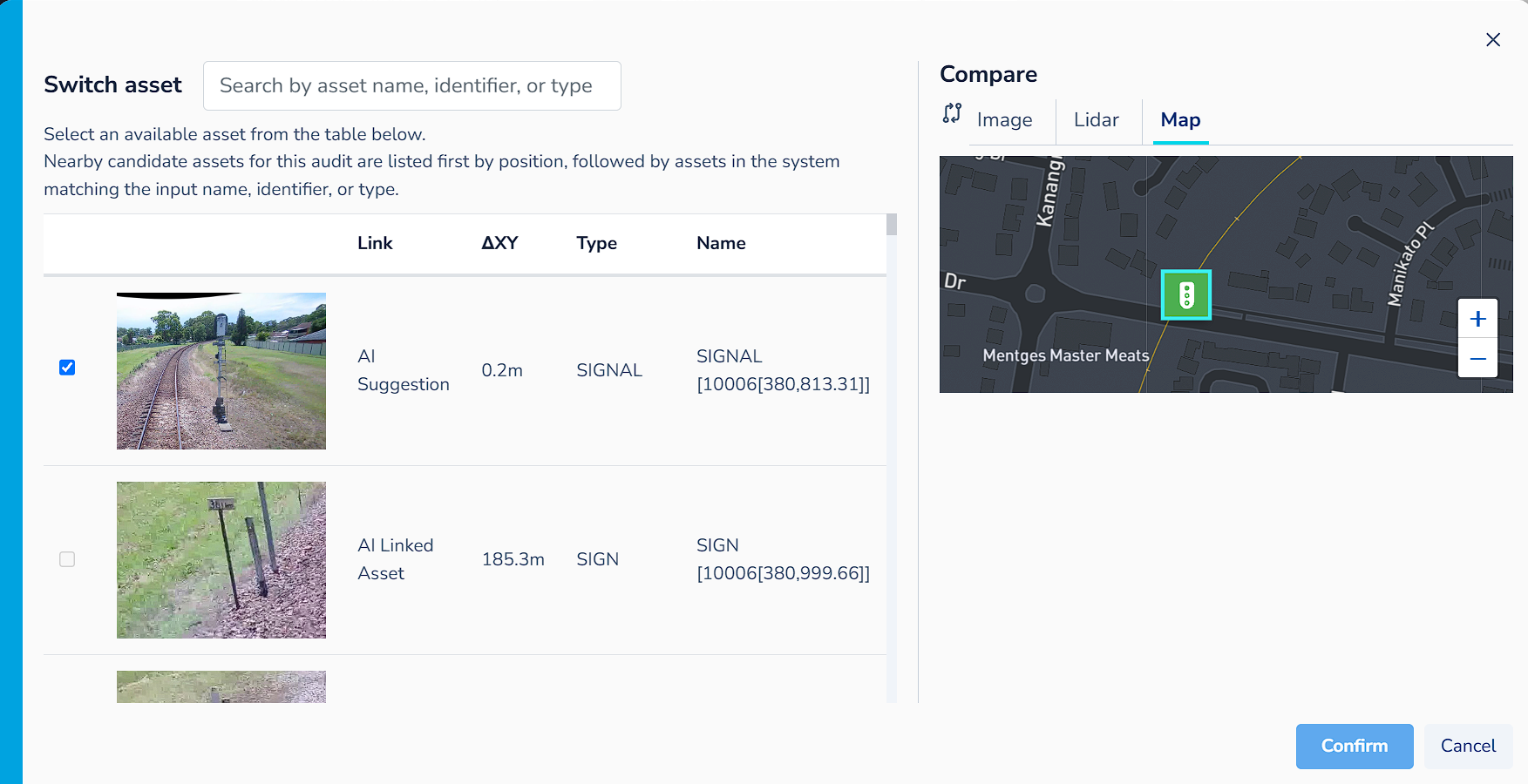
Added a map to the PTC comparison tabs for use in the switch asset modal and the main comparison section on the page.
-
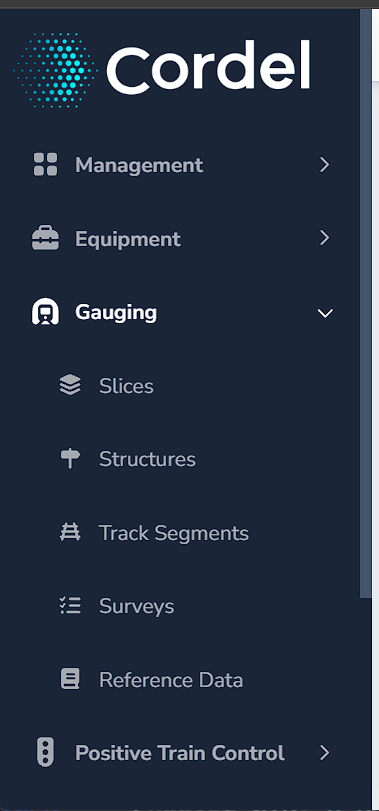
The main menu can now be scrolled vertically when quick links or other content exceeds the available height.
-
Graph type selections are remembered for each report type, so users can move between different reports without having to reselect their preferred graph view each time.
-
The Rover history polylines are stacked by severity, so error states remain visible without filtering.
Explorer
-
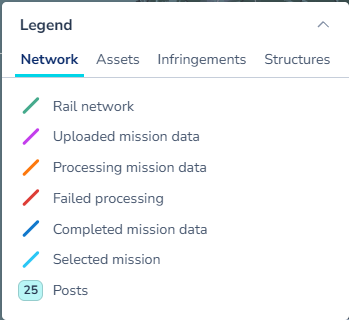
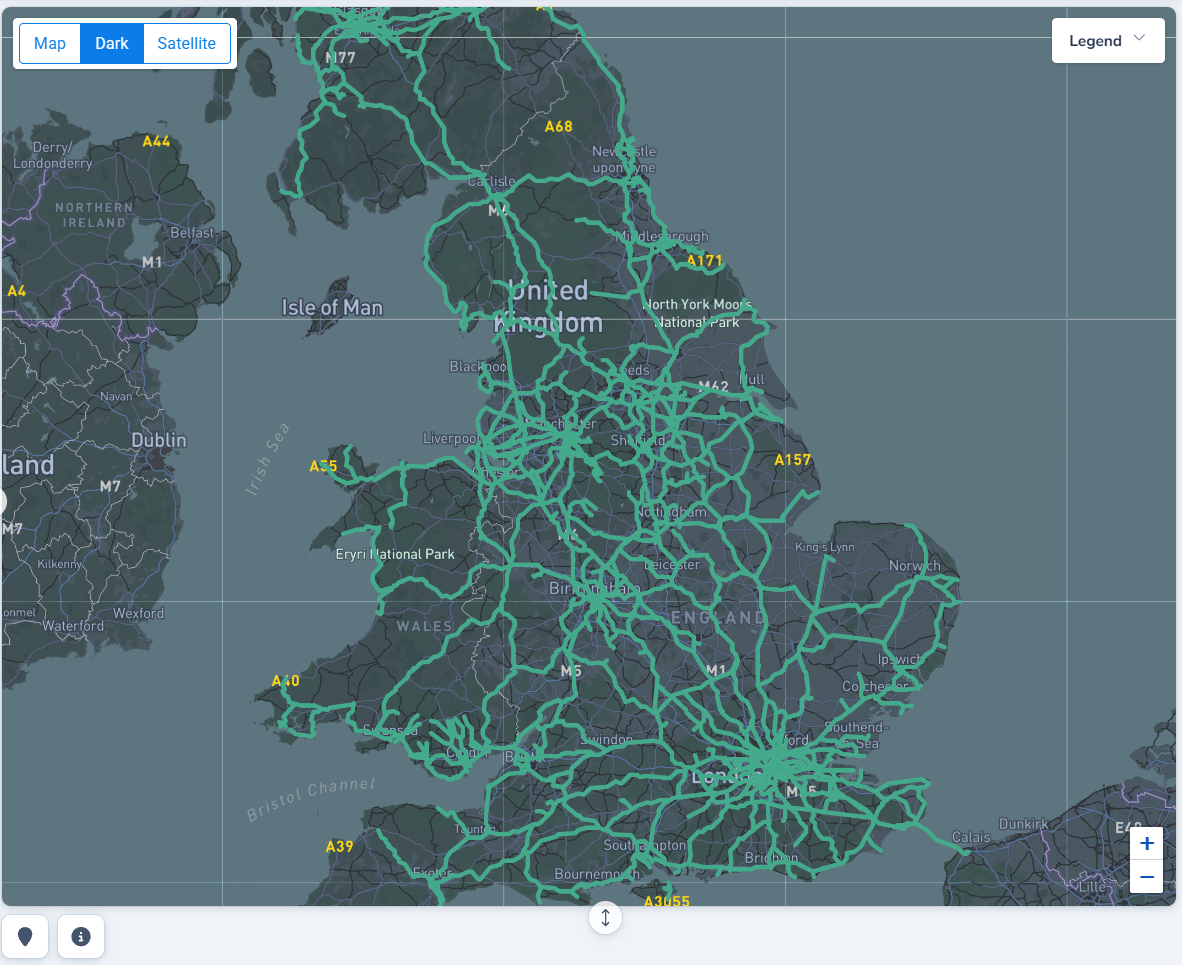
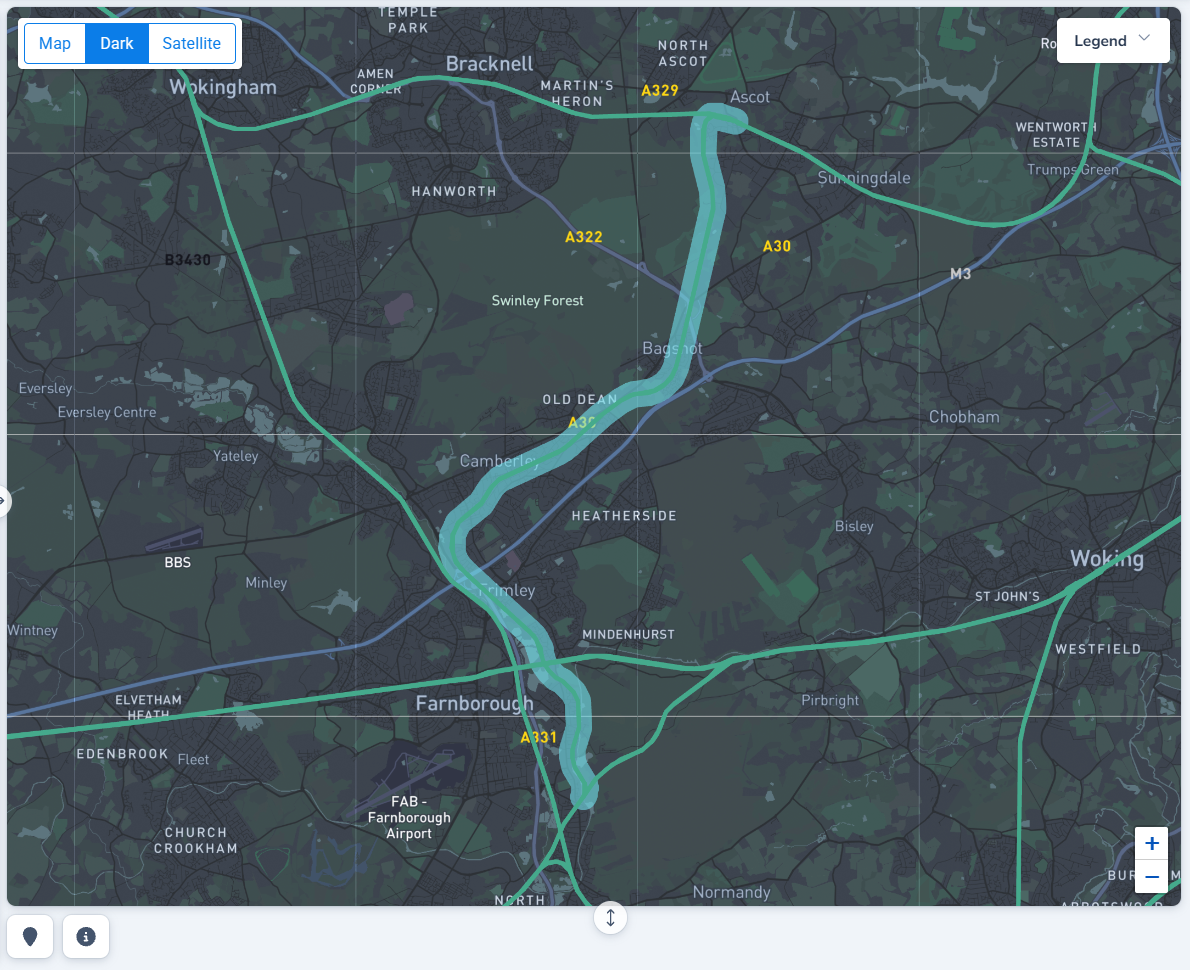
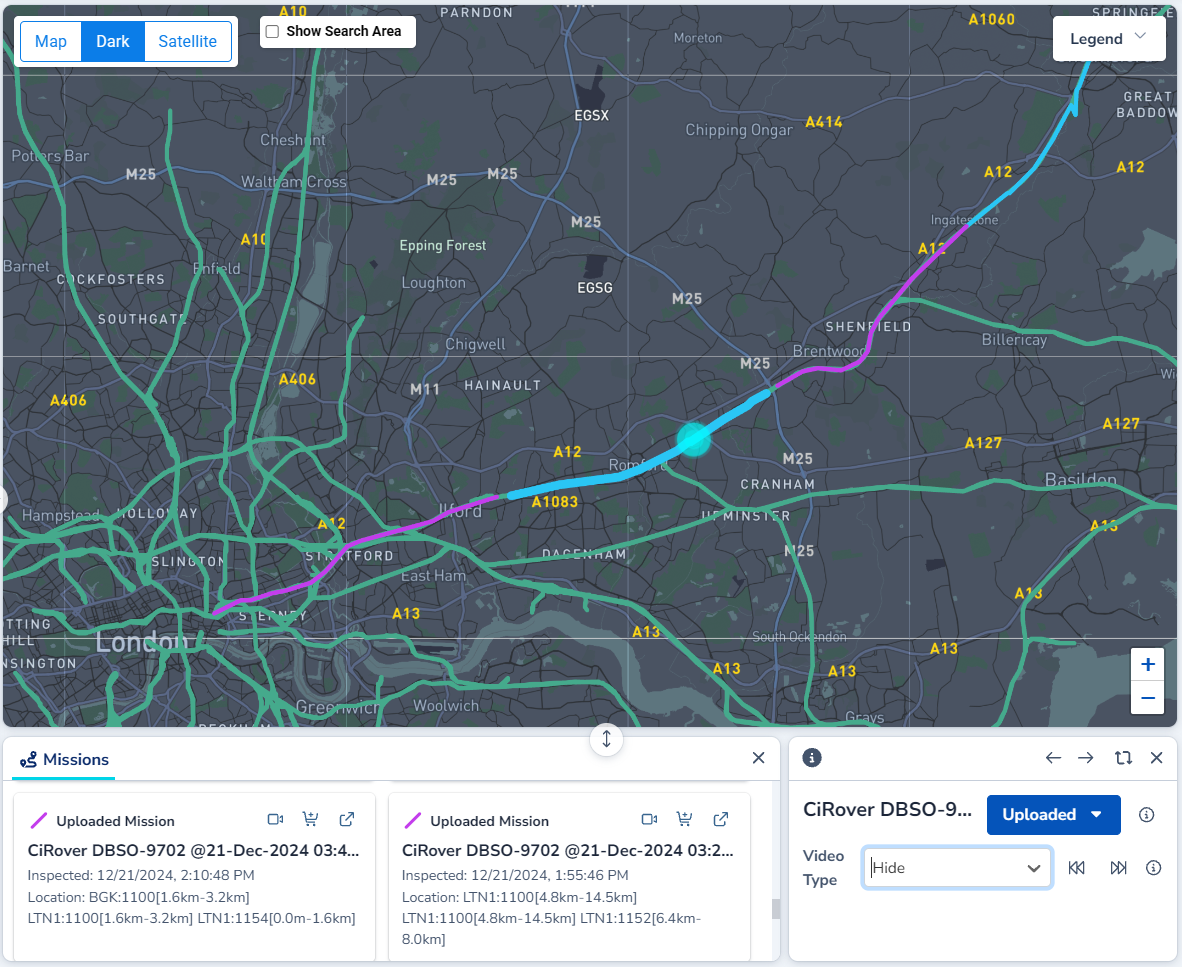
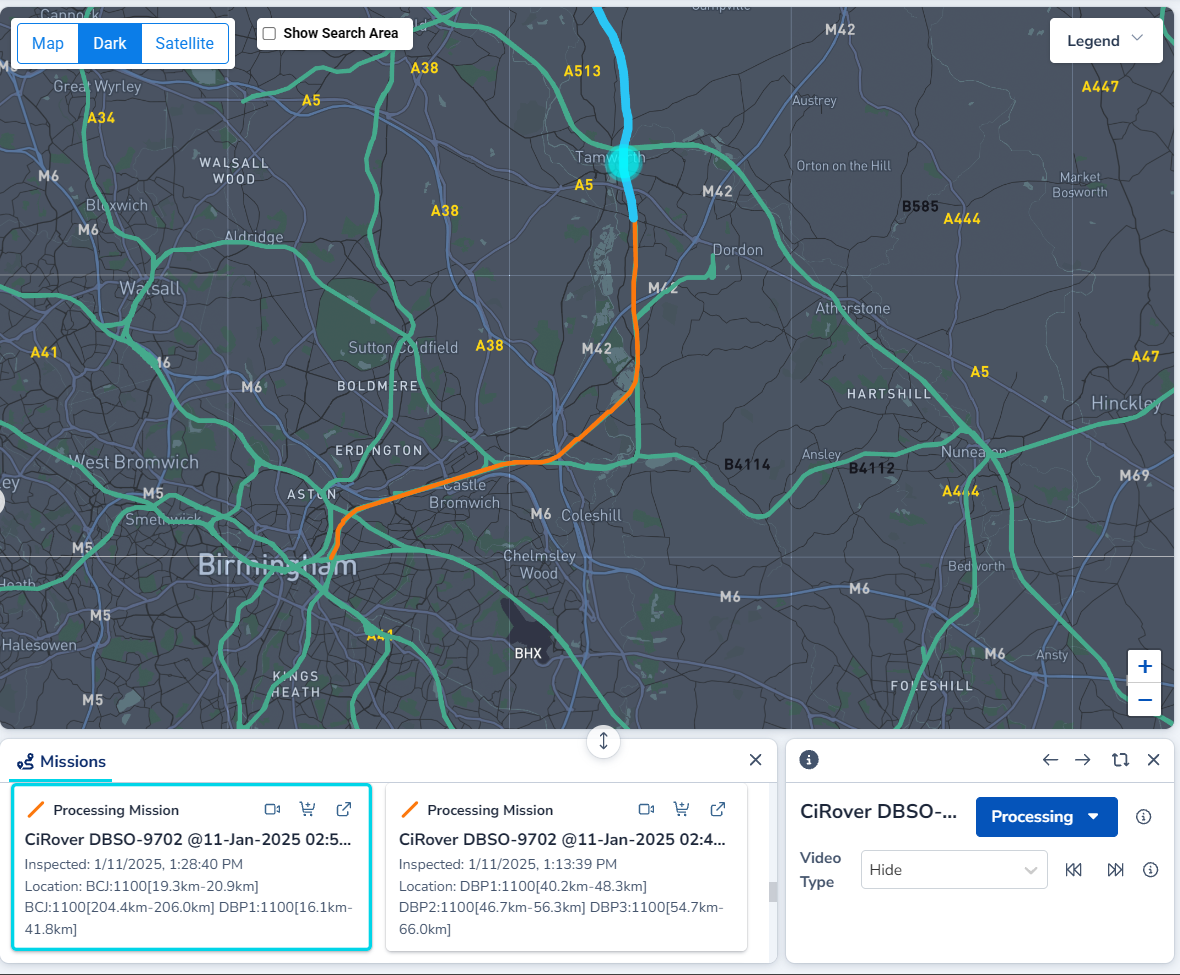
Explorer path colours and selection styling has been updated to improve usability.
|
|
|
|
-
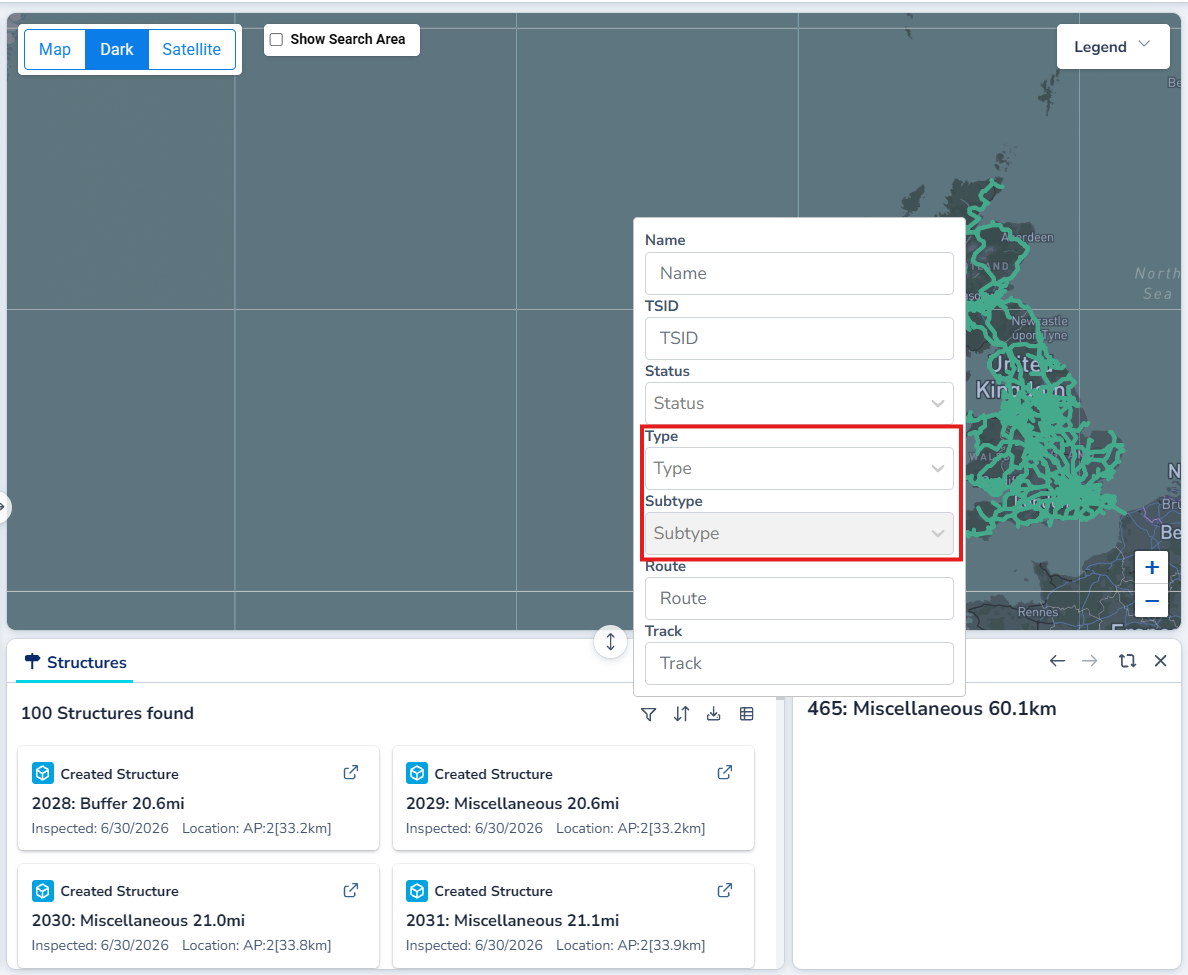
Structure search results can now be filtered by type and subtype.
-
Map markers now reflect status changes after transitions.
gauging
-
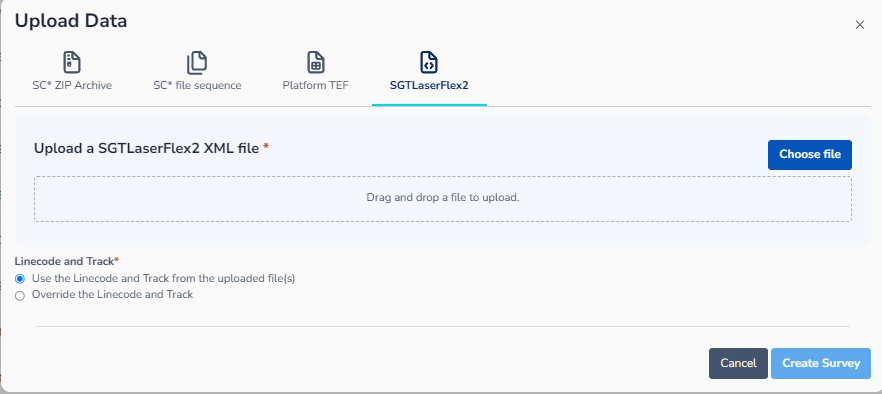
Updated the Survey Upload modal to restrict XML upload to a single file.
-
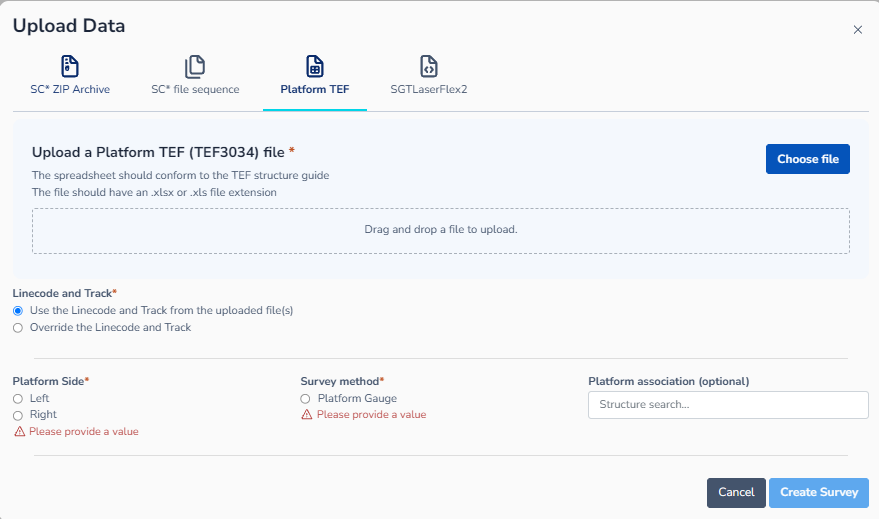
Updated the Survey Upload modal “Linecode and Track” text from “Use the Linecode and Track from the uploaded files” to “Use the Linecode and Track from the uploaded file(s)” to accurately reflect singular and multiple file selections being allowed.
|
|
Service Desk Requests
The issues, bugs and features in the table below were reported to the Cordel or RGDS service desk, and are implemented in this release of Cordel Connect.
|
Ticket ID |
Type |
Description |
|
Support |
Make route highlight colour more distinguishable |
|
|
Support |
Reviewed surveys listed as superseded |
|
|
Support |
Intervals QA check running on Structure Survey |
|
|
Support |
Duplicate missions |
|
|
New Feature |
Add structure type/subtype filters to Explorer |
|
|
New Feature |
Mission CSV with GUIDs; Cordel References/IDs visible in UI/CSV |
|
|
New Feature |
Ticket colour should change on state change |
|
|
New Feature |
Rover "warnings" lines hidden; Rover error line not shown with "All" status |
|
|
New Feature |
Default Mission reporting to Table view |
|
|
New Feature |
Cordel References/IDs visible in UI/CSV |
|
|
Bug |
Rover.Read permission needed for Jobs/Missions page |
|
|
Bug |
Explore page clears track info too quick |
Other Fixes and Changes
The items below were identified outside the Service Desk. These are listed here for completeness, transparency and to allow users to test and plan for this release.
Improved: Notification link/entity names
Notification emails and in-app messages now show user-friendly entity names and link directly to the correct page, instead of showing internal terminology and broken links.
Fixed: 'Track Segments' are labeled as assets
Track Segments now display consistent "Segment Id" labelling instead of ‘Asset’ on index and details pages, so terminology matches the Intervals module.
Fixed: Reference data sort is case sensitive
Reference Data files are now sorted alphabetically regardless of upper/lower case, so files like "File1.txt" and "file1.txt" appear in the expected order together rather than being split apart by case.
Fixed: Explorer entity status dropdown loading state
The entity status dropdown on the Explorer page no longer flickers into a loading state every ~10 seconds as the page auto-refreshes. It now only shows loading on first load or while a status transition is actually in progress.
Fixed: Tooltip lists edit functions on read-only Track Geometry graphs
The selection-instructions tooltip no longer appears on Track Geometry graph on the Show Survey page, as there is nothing to select/edit.
Fixed: PTC Audit page hero pop-out panel position
Closing a maximised hero/sub-hero panel on the Audit page now correctly restores the previous view, instead of leaving a stray tab selected or a "this item is open in maximised view" message on screen.
Fixed: Asset Position fields render off screen
The Position (latitude/longitude) fields on the Asset details edit panel now resize responsively, so they stay within the visible panel on smaller screens instead of being pushed off-screen.