

Core Updates
Cordel Connect
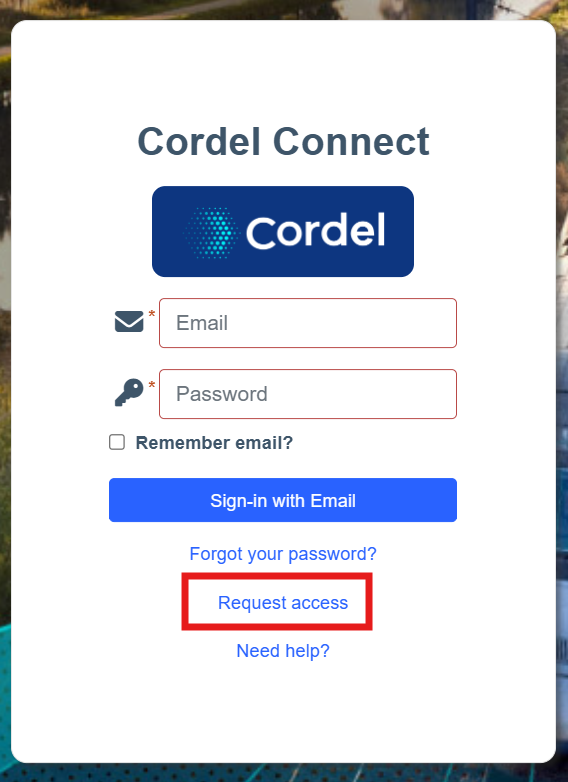
Request access from the Cordel Connect login page
New users can now request an invitation to Cordel Connect using the "Request access" link on the login page. This launches a form which automatically generates an access request ticket in the Cordel Service Desk.
GAUGING/CLEARANCES
Changes to Survey Upload functionality
The survey upload screen utilises a "file drop zone" and employs tabs for survey upload - depending on the file types of the surveys being submitted.
This provides clarity around upload requirements based on the selected survey file type.
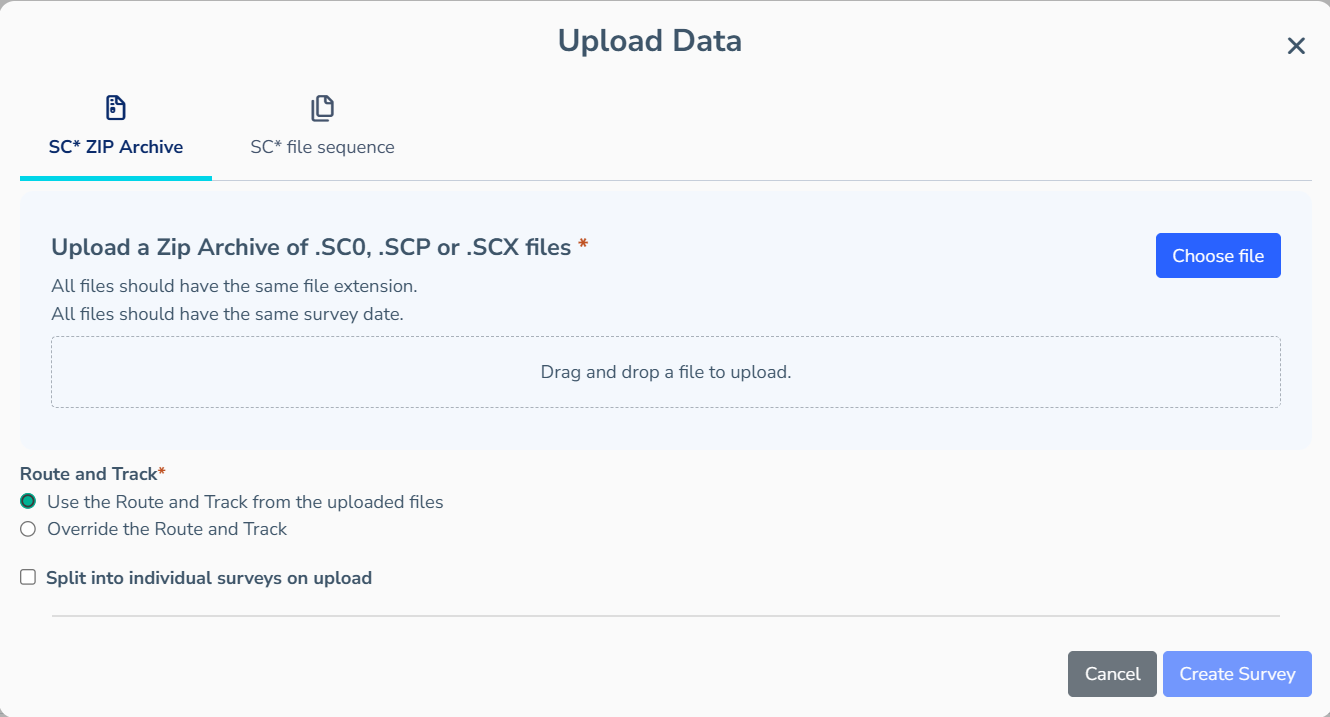
Note: The file types available to be uploaded are configuration dependent.
Gauging Productivity Reports
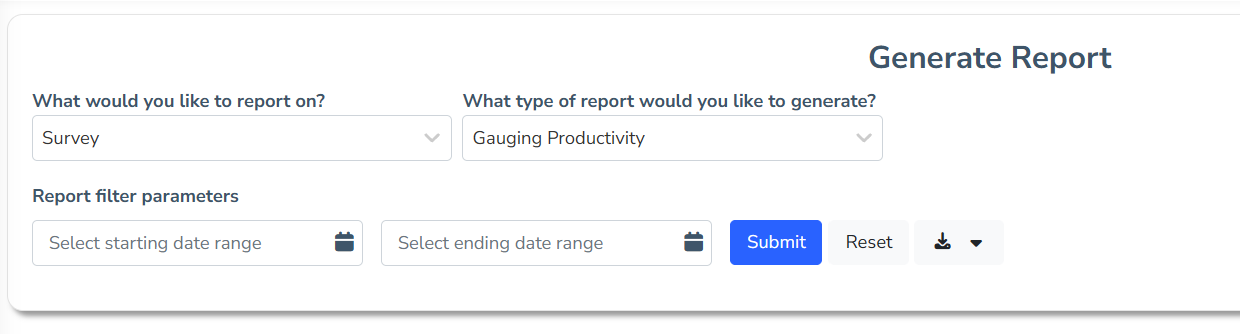
Gauging Productivity reports can now be generated and viewed through the reporting page, if the user has the appropriate permissions.
Minor Improvements
cordel connect
Explorer
-
All Explorer searches can now be reset using the reset button.
-
Users with appropriate permissions are now able to transition entities through states within the search results on the Explorer page.
-
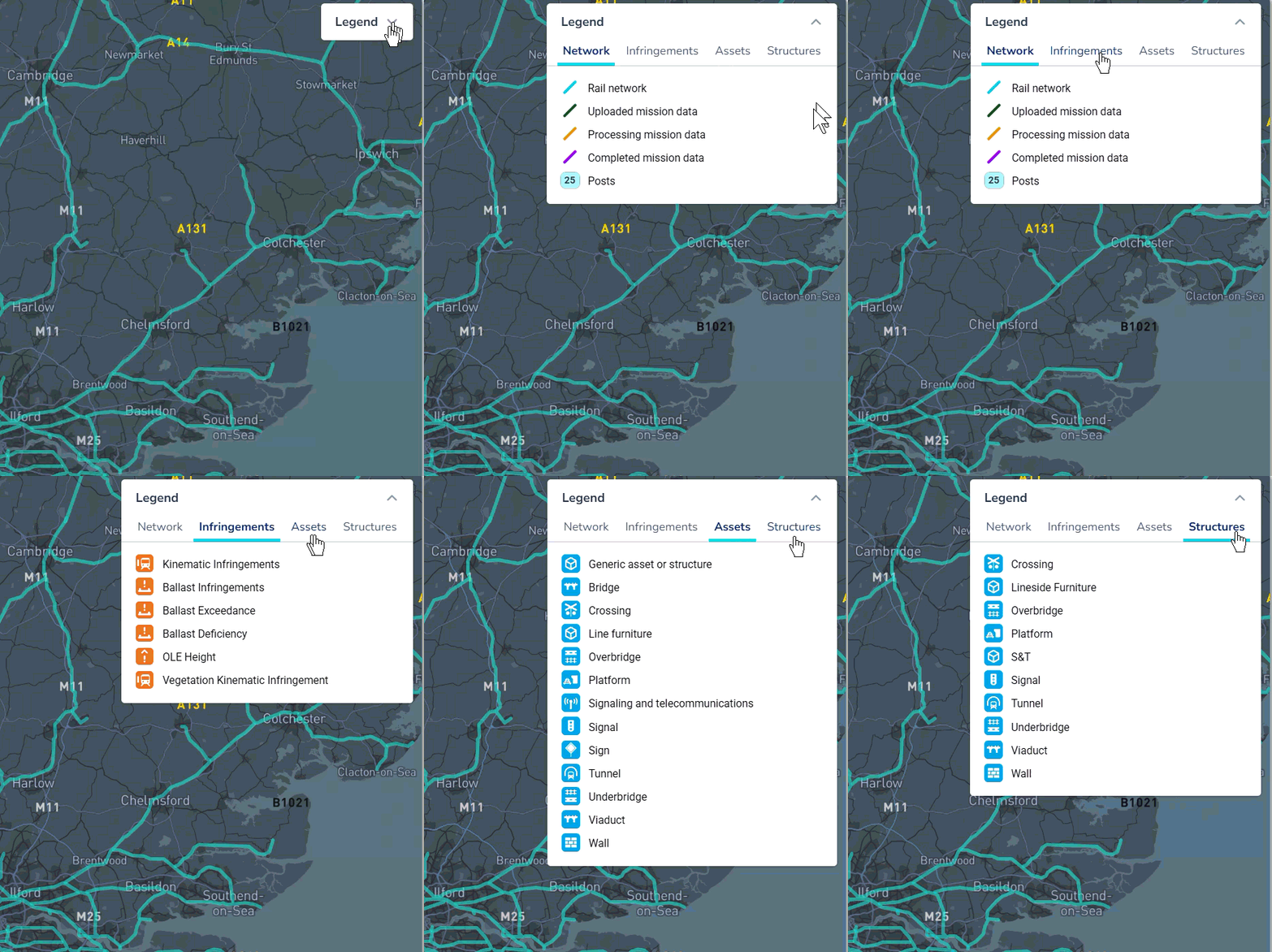
Explore page map legends updated and now displayed in an accordion.
-
Additional deep link functionality
Users are now able to add the following parameters to Explorer URL's:
Conduct Entity Search by:
-
Entity Type (Mission, Structure)
-
Mission Status
Filter Search Results by:
-
Capture date (min/max)
-
Entity Type (Mission or Structure)
-
Entity Status
Sort Search Results by:
-
Capture date (oldest>newest; newest>oldest)
Select a search result by:
-
Numeric order (E.g. select the 5th search result card)
Set the hero section to show:
-
Image
-
Info
-
Lidar
-
Video
Example:
-
This deep link will display all missions captured between Jan 1st 2025 and March 6th 2026 that are in a completed status:
https://uat.aws.cordel.ai/Explorer?minDateUtc=2025-01-01&maxDateUtc=2026-03-06&entityTypeSearch=Mission&entityStatusSearch=Completed
Missions
-
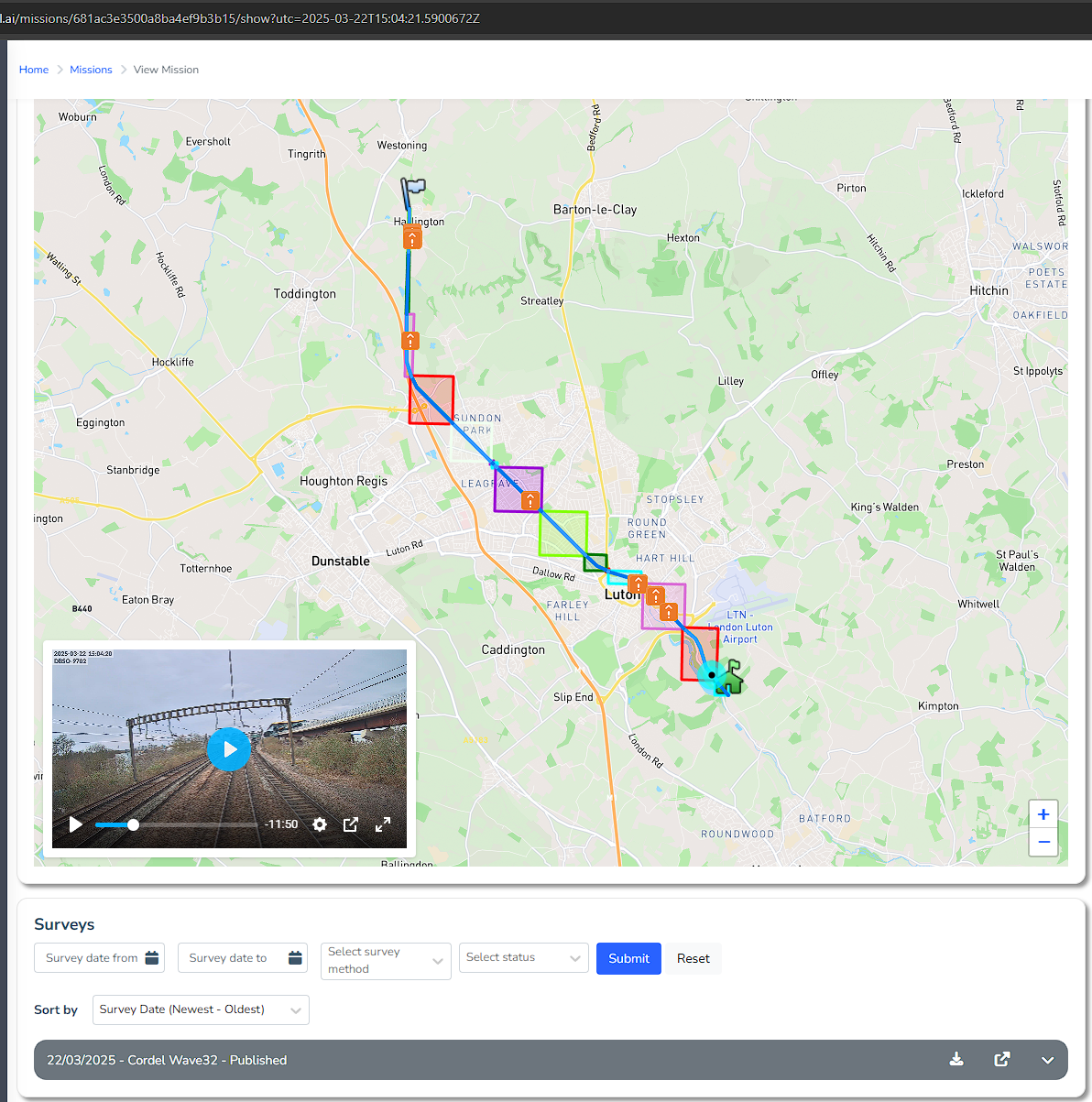
Surveys linked to a mission can now be viewed on the missions page.
General
-
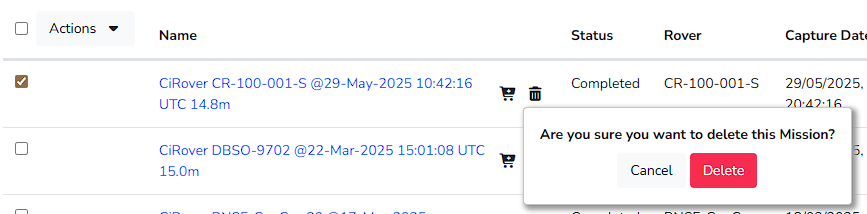
Single delete buttons on index pages now have their own confirmation pop up.
GAUGING/CLEARANCES
Survey
-
Update keyboard shortcut for bulk structure un-assignment from Ctrl + Delete to Alt + Delete.
-
Structures can now be reassigned without losing progress on the associated extracted slice.
Fixes
-
Fixes an issue that caused duplicate missions to be created in some rare circumstances.